AI Agent & workflows
Put your AI visibility strategy to work.
Hand the Agent real jobs: find why a recommendation was lost, draft a comparison brief or assemble a review. Jobs that work become workflows.
Accounts open from the waitlist. The website check is free, with no signup.

Context
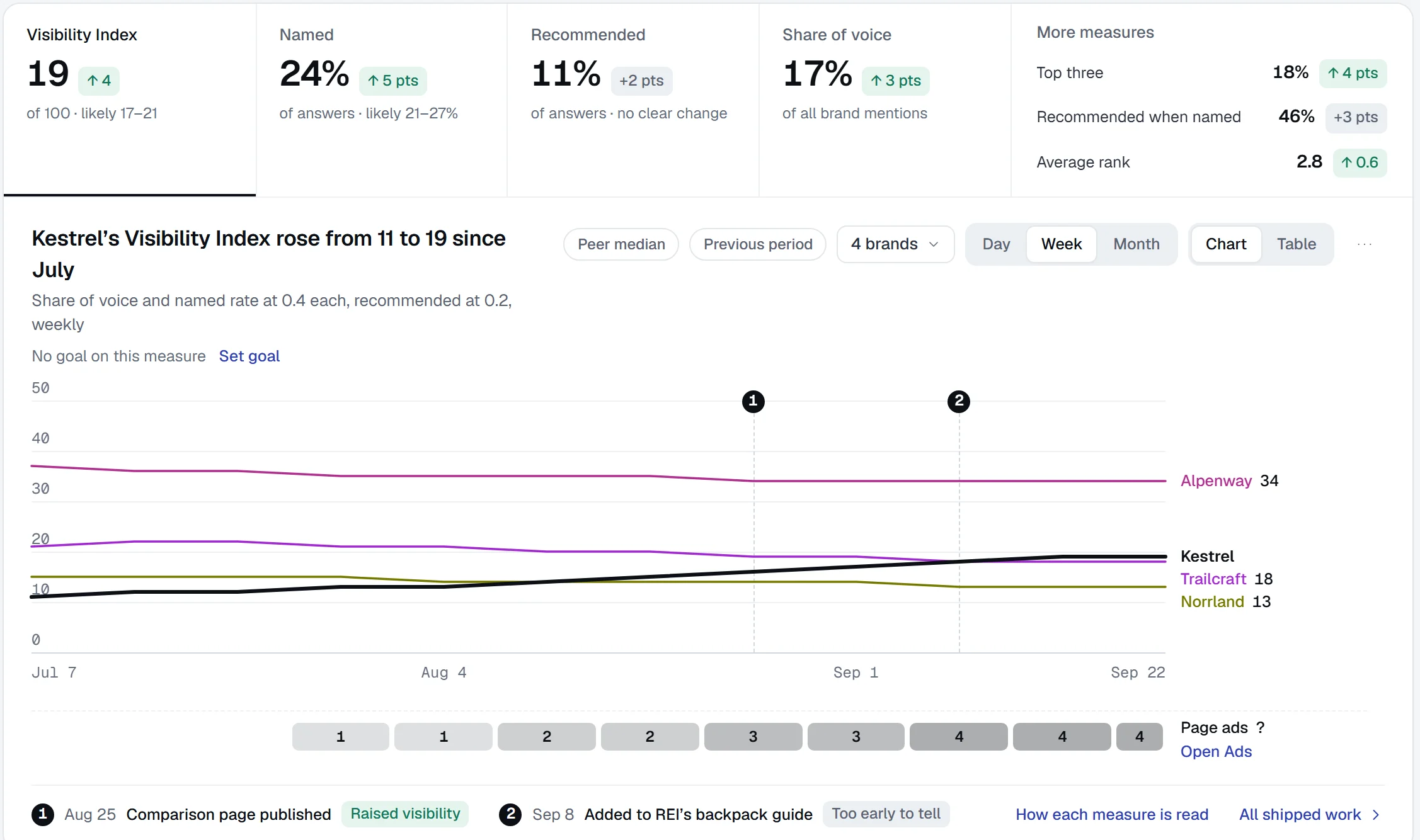
Ask from the screen you’re on
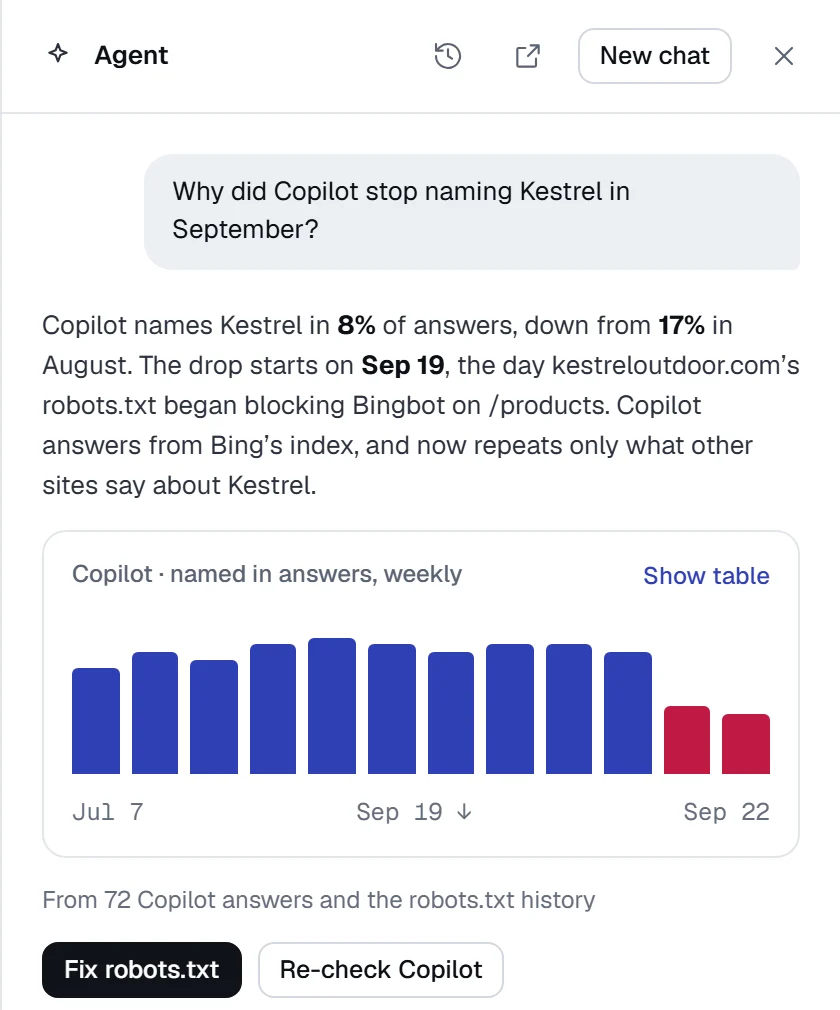
Open the Agent on any screen and ask about what’s in front of you. Ask why an engine stopped naming you, and get the cause with its fix.
Jobs
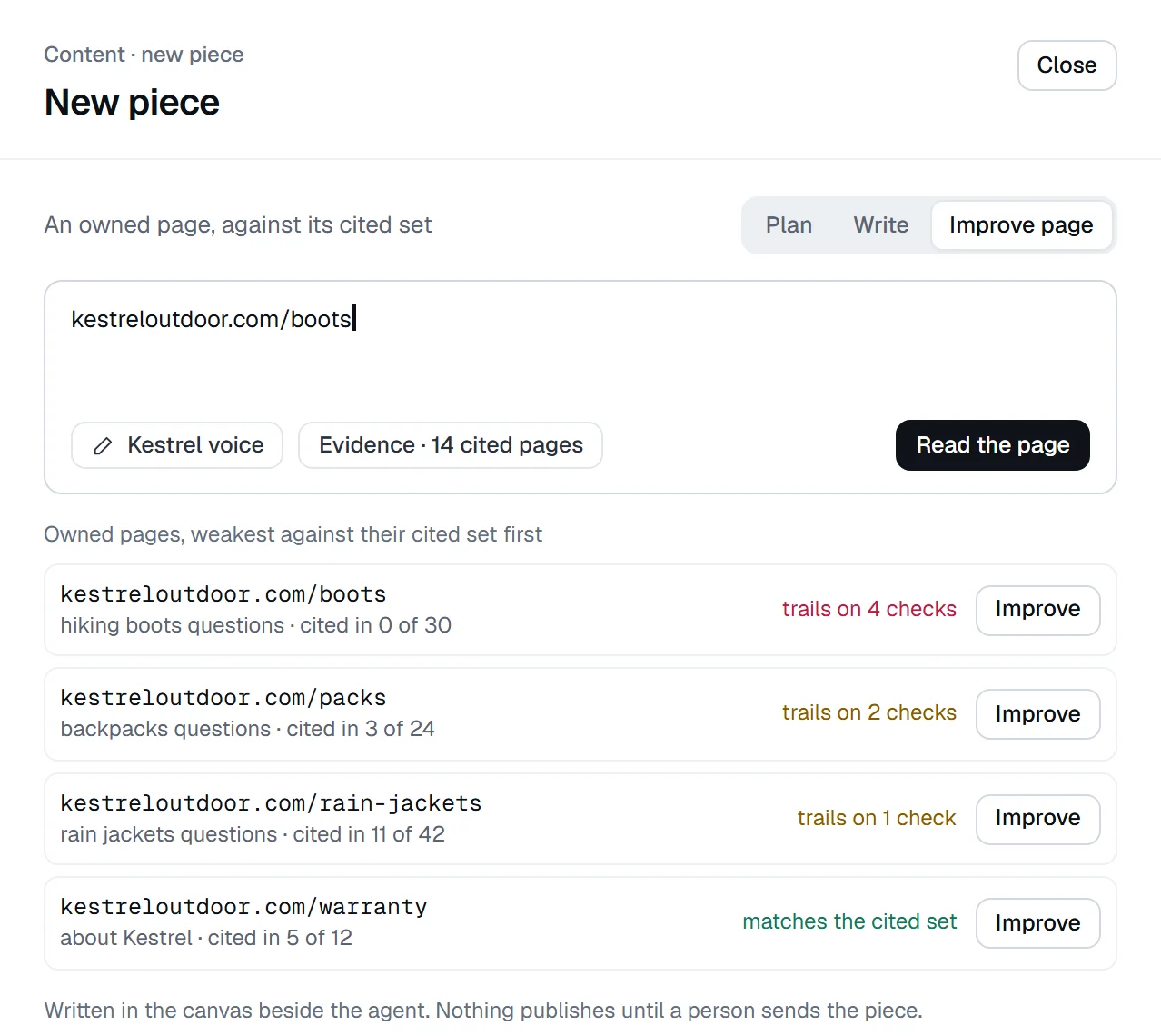
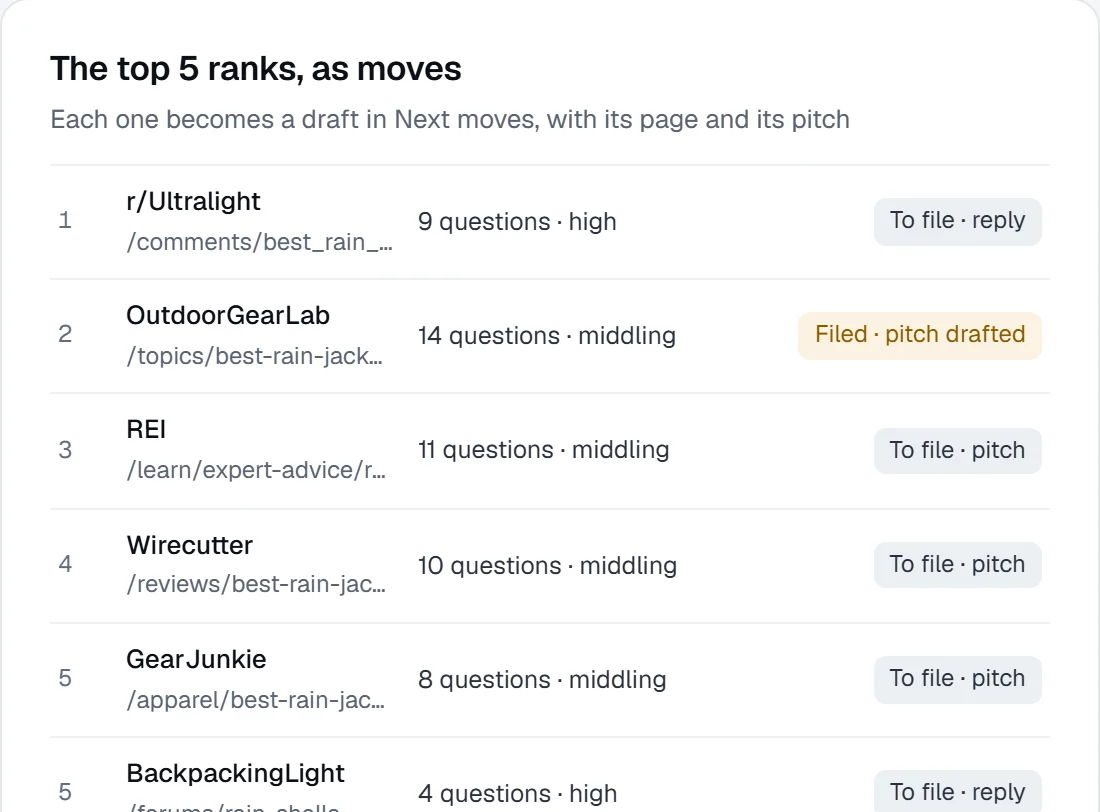
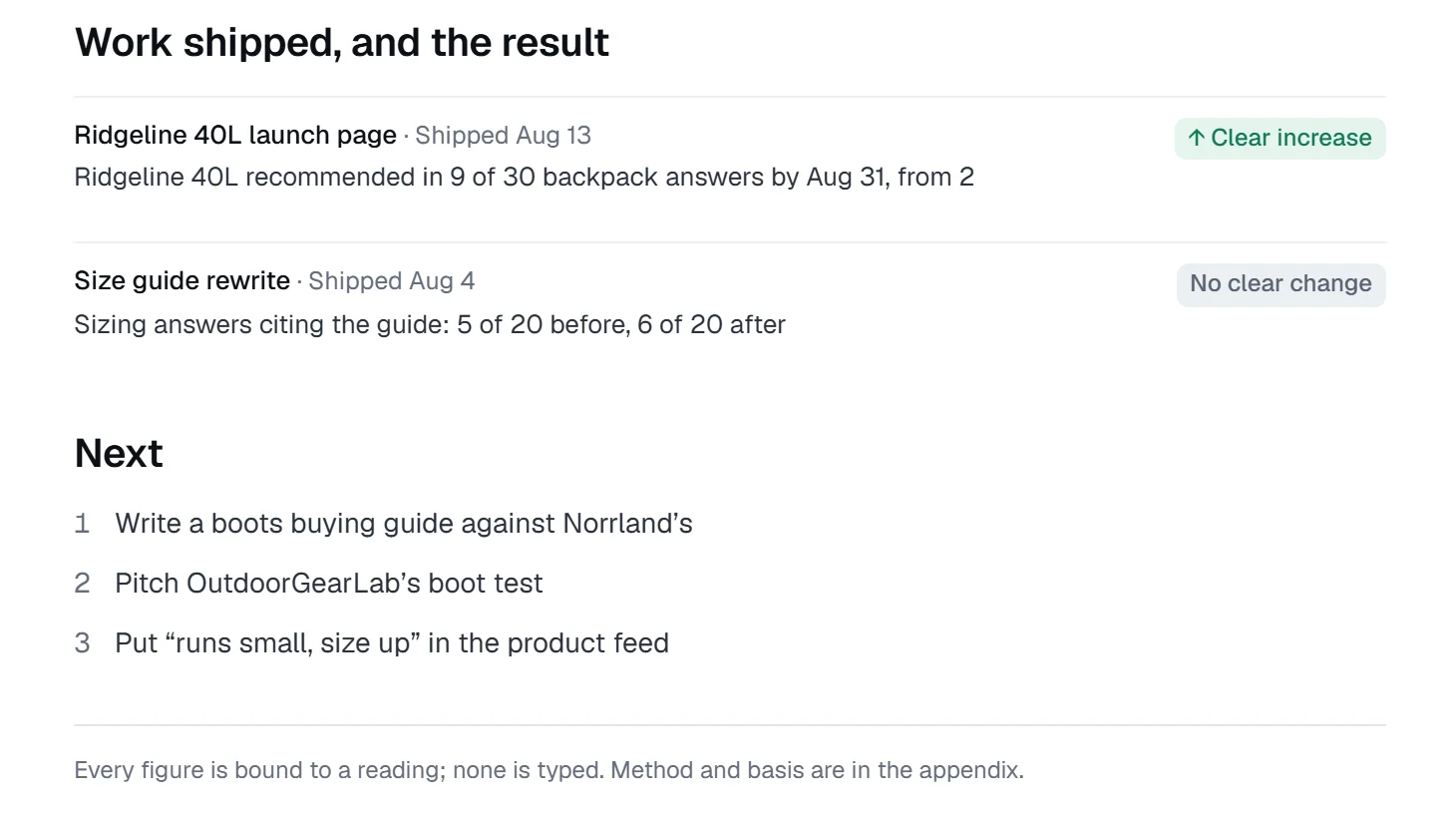
Jobs you can hand to the Agent
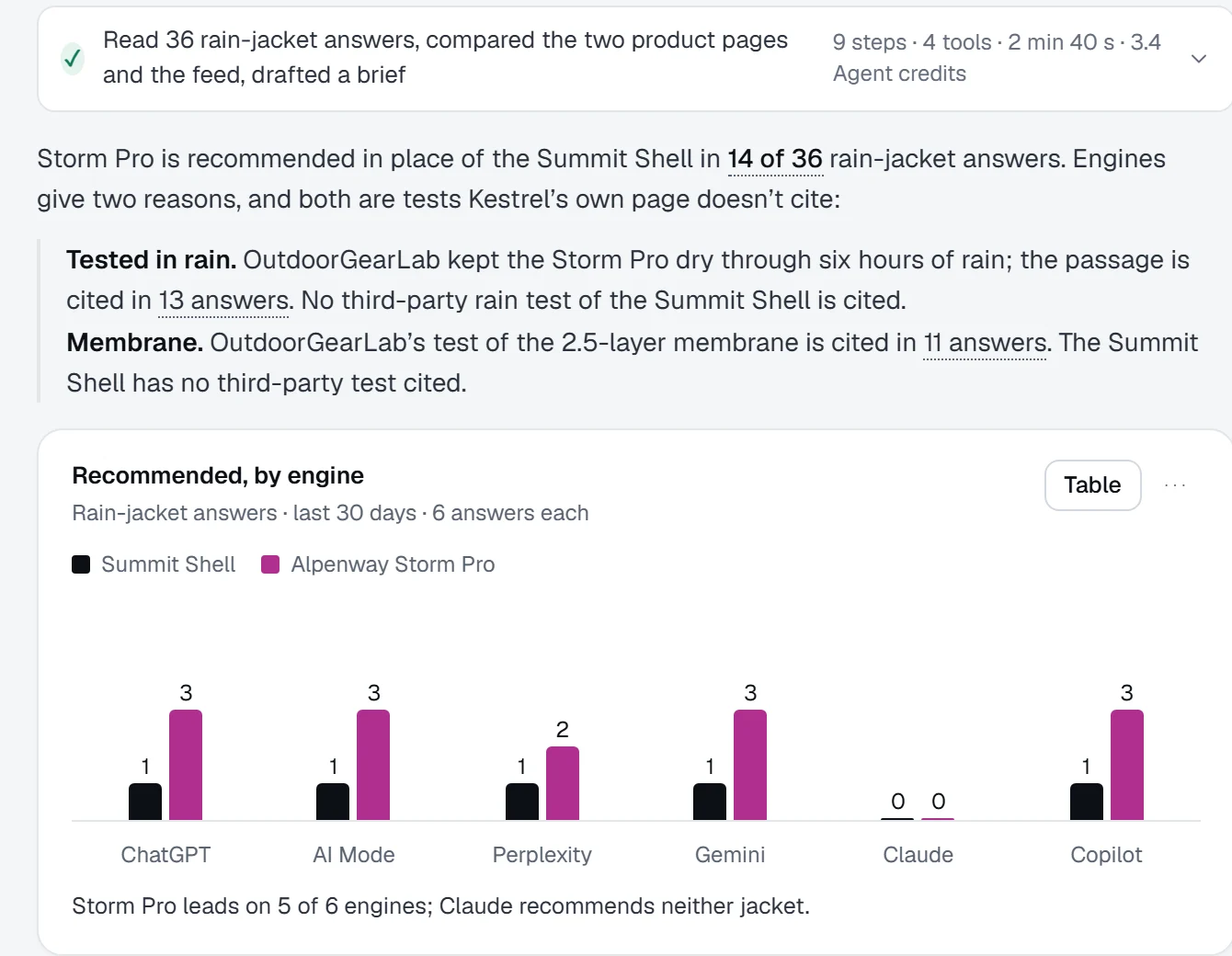
Investigate a lost recommendation, prepare a comparison brief from cited pages and your facts, refresh product copy across a category or research which sources to pitch.
Workflows
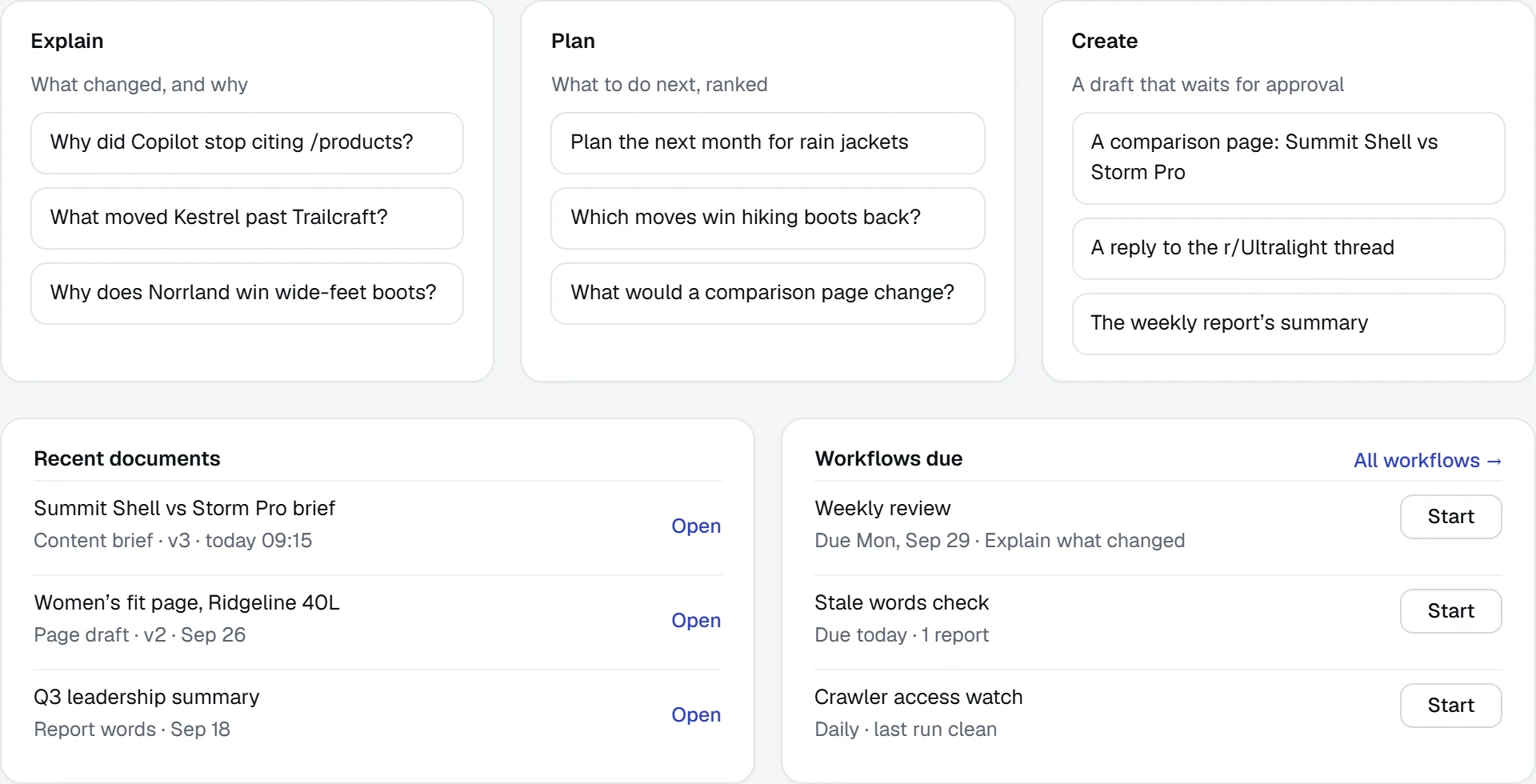
Turn a job that worked into a workflow
A workflow names its inputs, trigger, output and review point. The weekly review runs every Monday; the stale words check runs daily.
Review
Nothing leaves without your approval
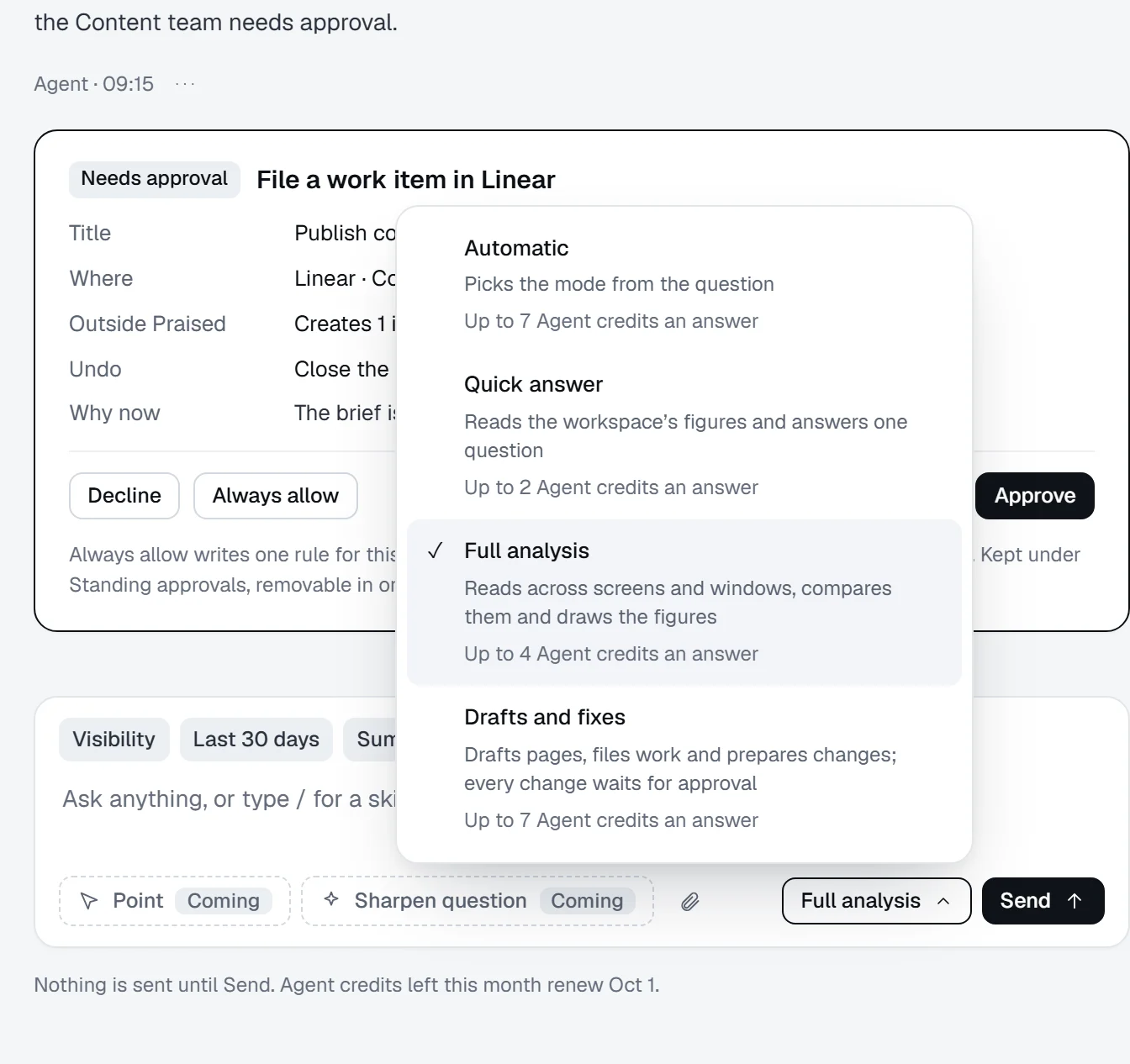
When a step creates something outside Praised, such as a Linear issue or a WordPress publish, the Agent stops and asks, with how to undo the step.
Repeat a question-to-brief workflow.
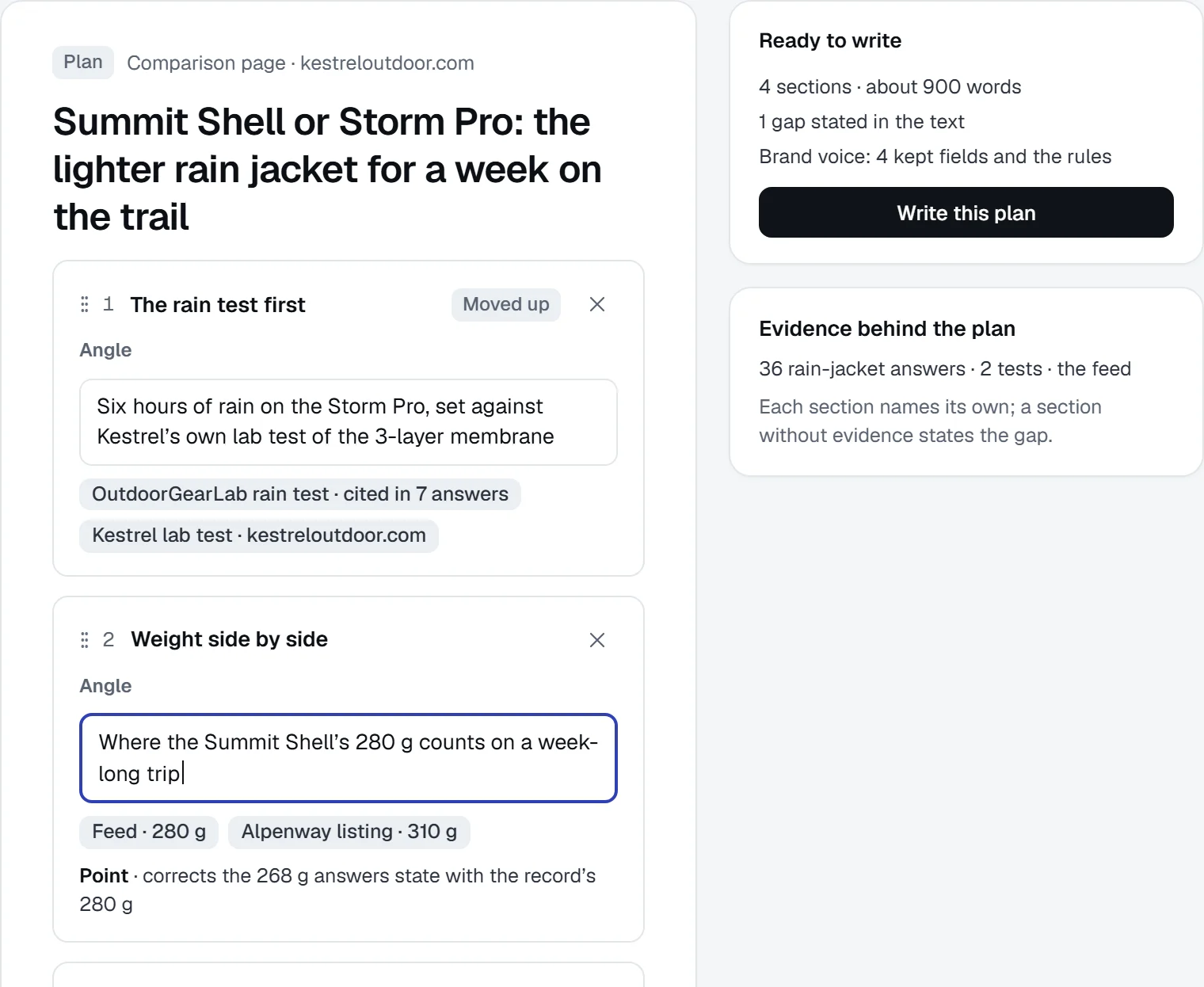
Ask why a competitor’s product wins your category’s answers, and turn the answer into a comparison brief. Saved as a workflow, the same job runs next for another category.
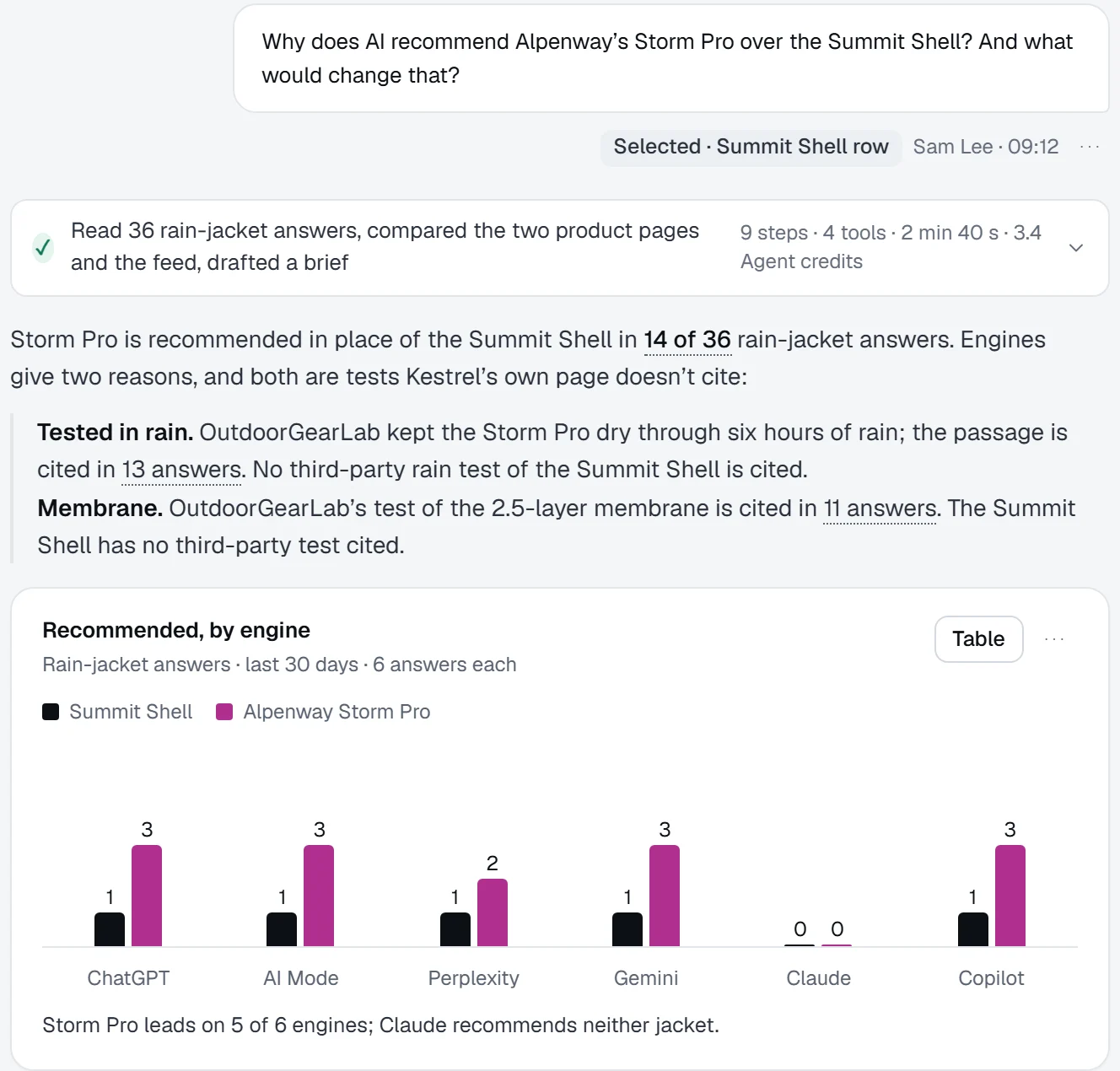
1Ask the Agent why you lose a question, and get the reason from your own data.
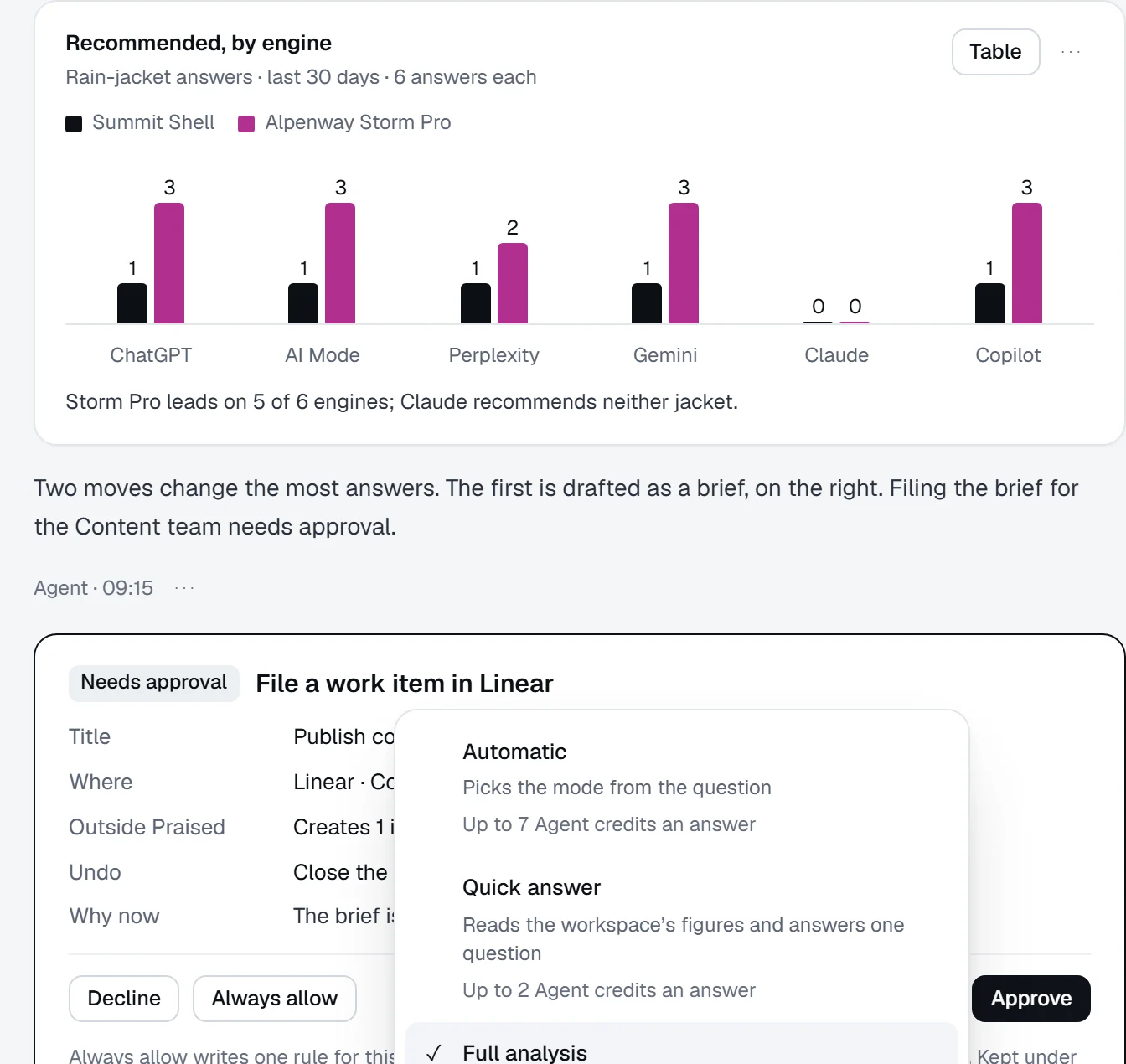
2Start from what the workspace already holds: each engine’s pick and the sources behind it.
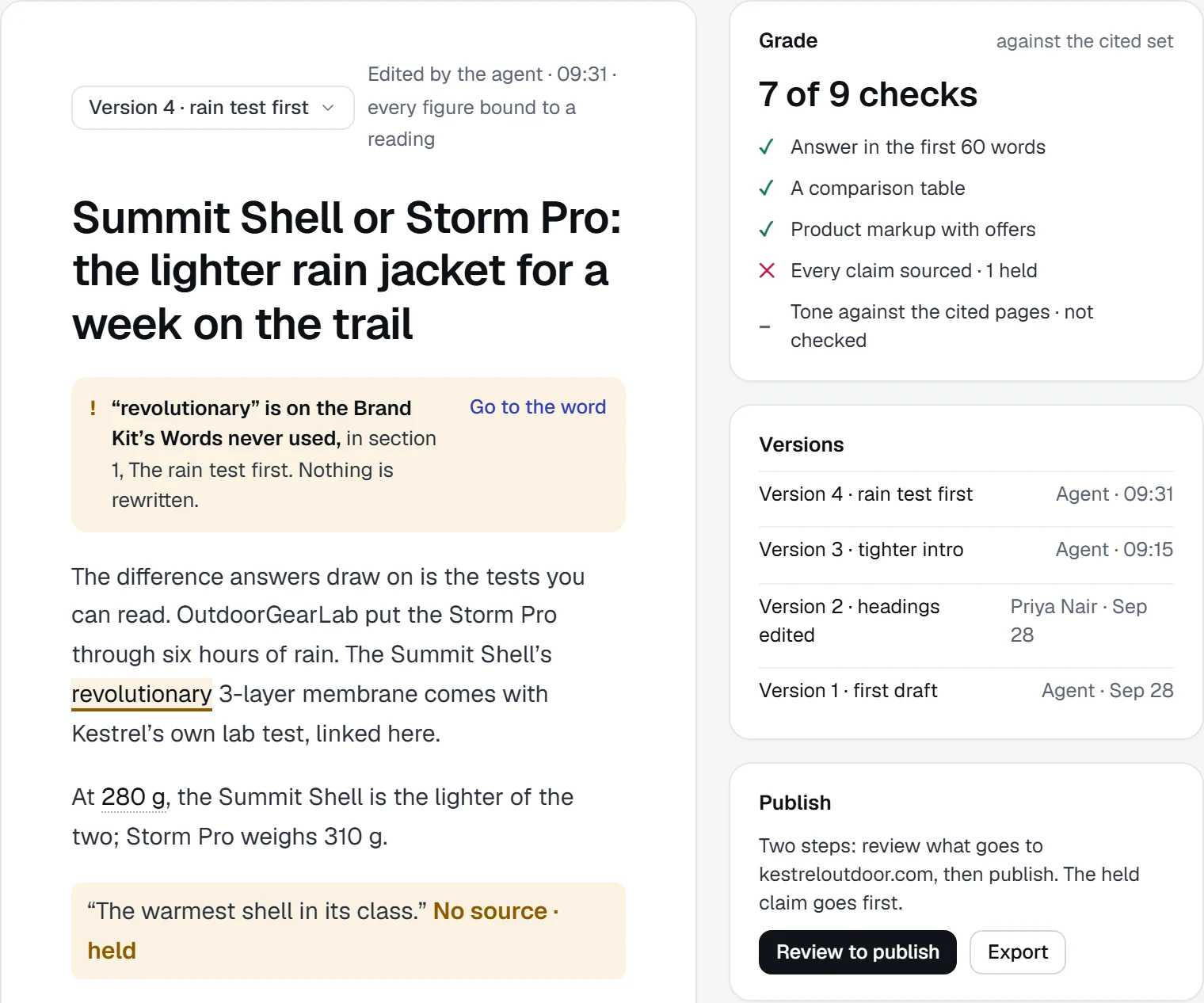
3Get a brief in sections, each tied to its evidence and to your approved product facts.
4Review every draft before it ships. Off-brand words are flagged, and unsupported claims wait for a source.
Keep exploring.
Questions, answered.
Something else on your mind? Contact us.
A chat is one job you steer as you go. A workflow repeats a job you trust, on a schedule or a trigger, with the same inputs, output and review point every time.
Only with your approval. Any step that creates something outside Praised asks first, and you decide which kinds of step may run without asking.
A job you repeat with clear inputs, a useful output and an obvious review point, such as the weekly review. Prove the job on one product before running the workflow across more.
It checks a public page’s readiness to be found, understood and cited. Ongoing tracking and work belong in the platform.
Hand the Agent the job you repeat every week.
Start from the context already in Praised, review the output, then turn the job into a workflow.