Integrations
Connect insight and work to your existing tools.
Connect Praised to the tools your team already uses. Bring in analytics, crawler logs and your product feed, send out reviewed pages, work items and reports, and build the rest on the API.
Accounts open from the waitlist. The website check is free, with no signup.
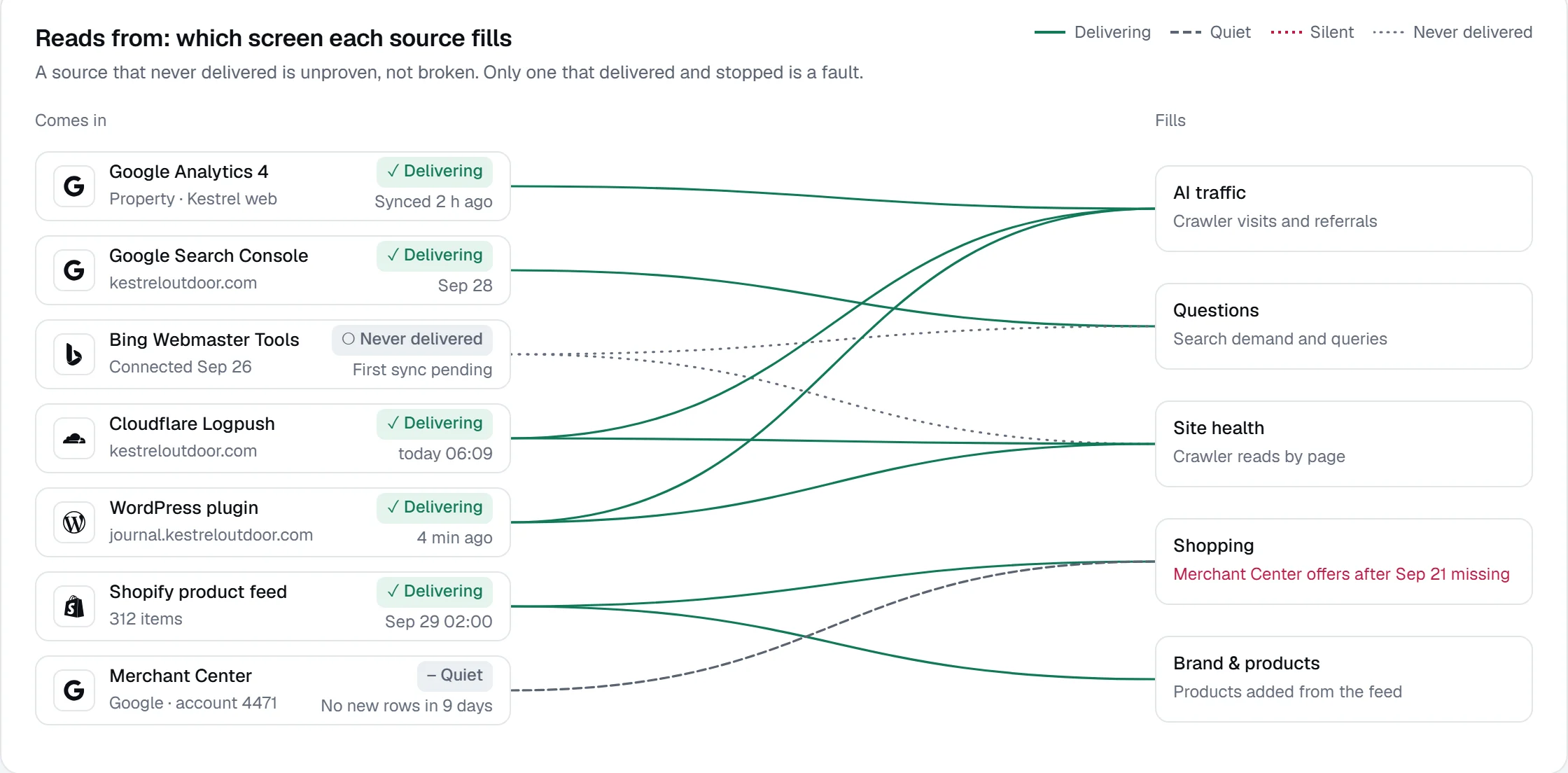
Reads from
- Google Analytics 4Analytics
- Google Search ConsoleSearch
- Bing Webmaster ToolsSearch
- Cloudflare LogpushAccess logs
- WordPress pluginSite
- Shopify product feedProducts
- Merchant CenterProducts
Sends to
- WordPressPublish
- LinearTracker
- NotionDocuments
- SlackMessages
- WarehouseData export
Ask it from
- Claude.aiConnected app
- ChatGPTConnected app
- Claude DesktopKey
- CursorKey
- Claude CodeKey
Data in
Bring your data into the decisions
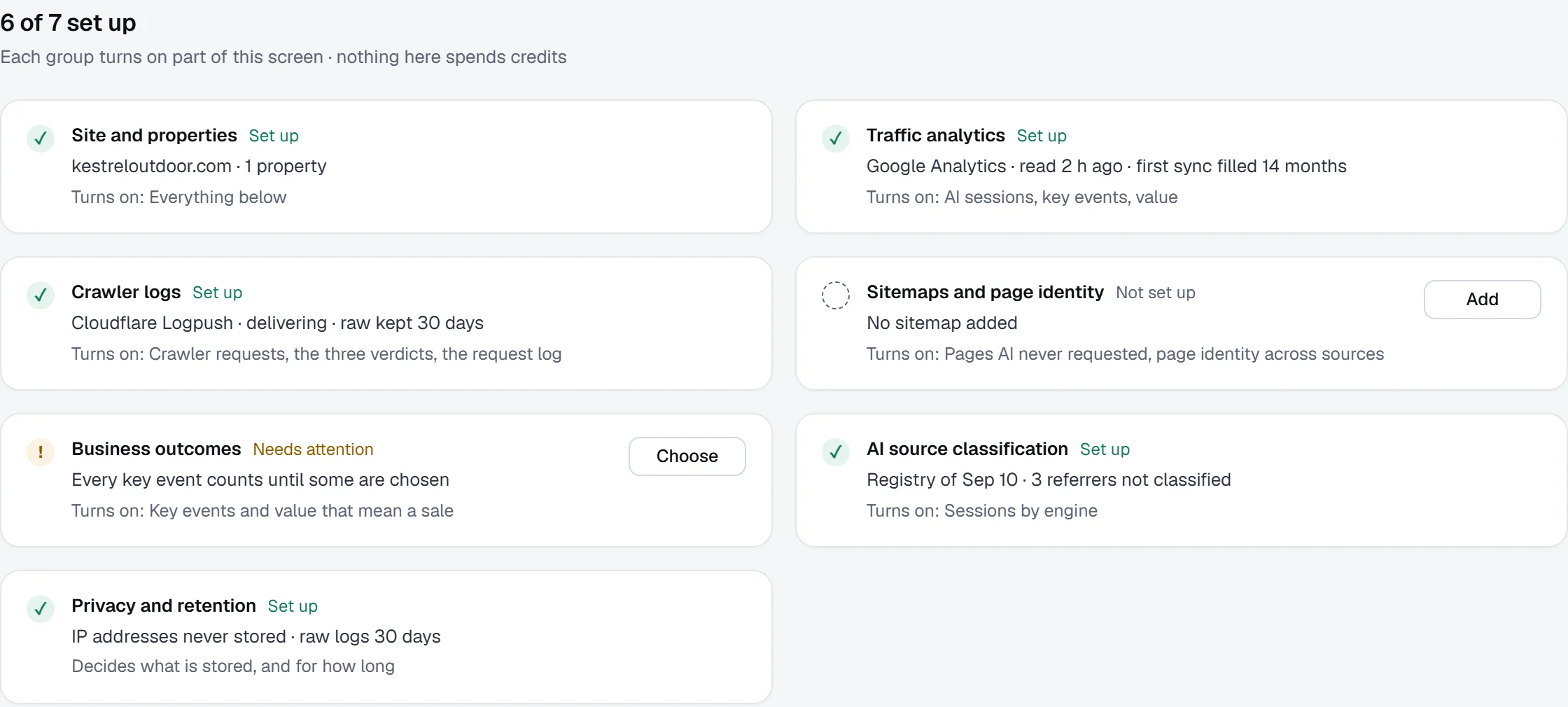
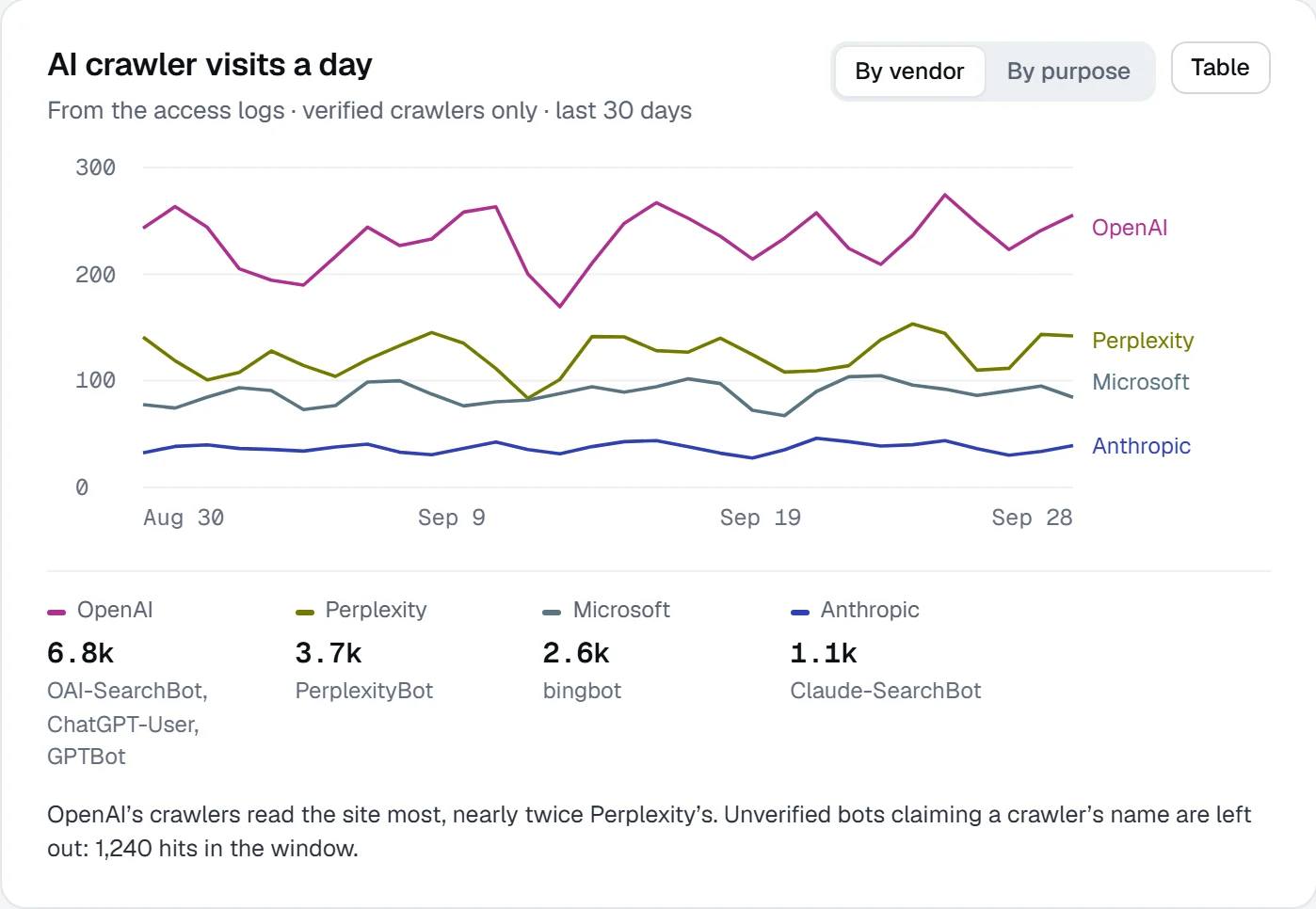
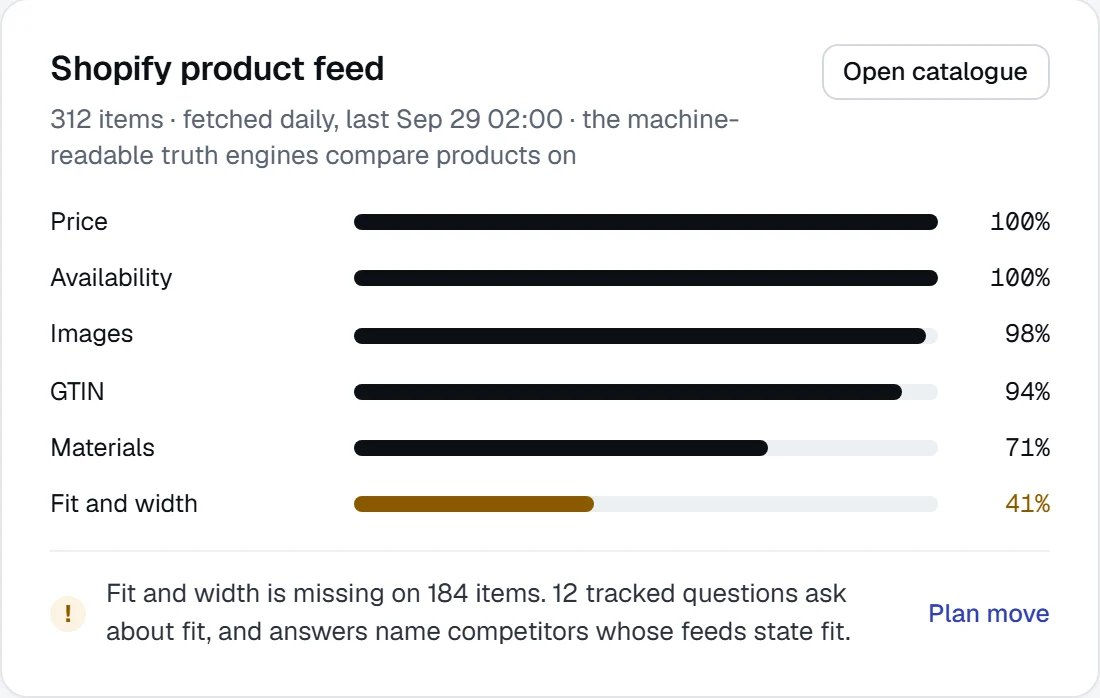
Google Analytics 4 supplies AI sessions and key events, CDN logs show which AI bots read each page, and your product feed gives Shopping its specs and prices.
Work out
Send reviewed work where your team works
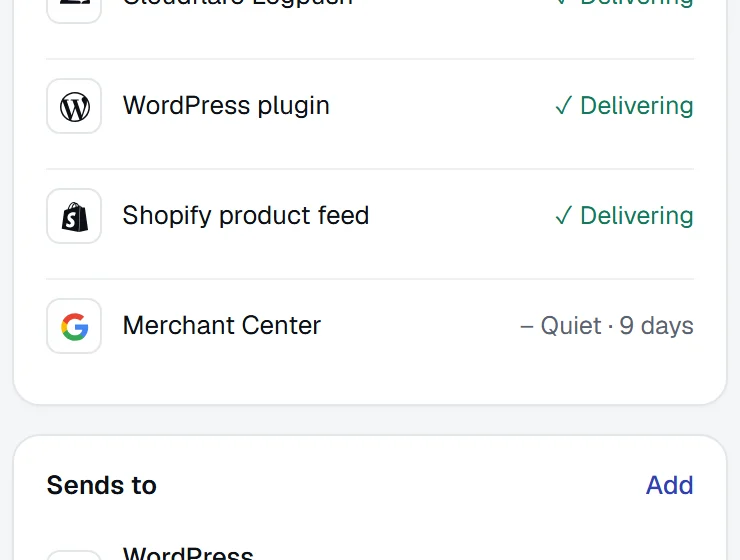
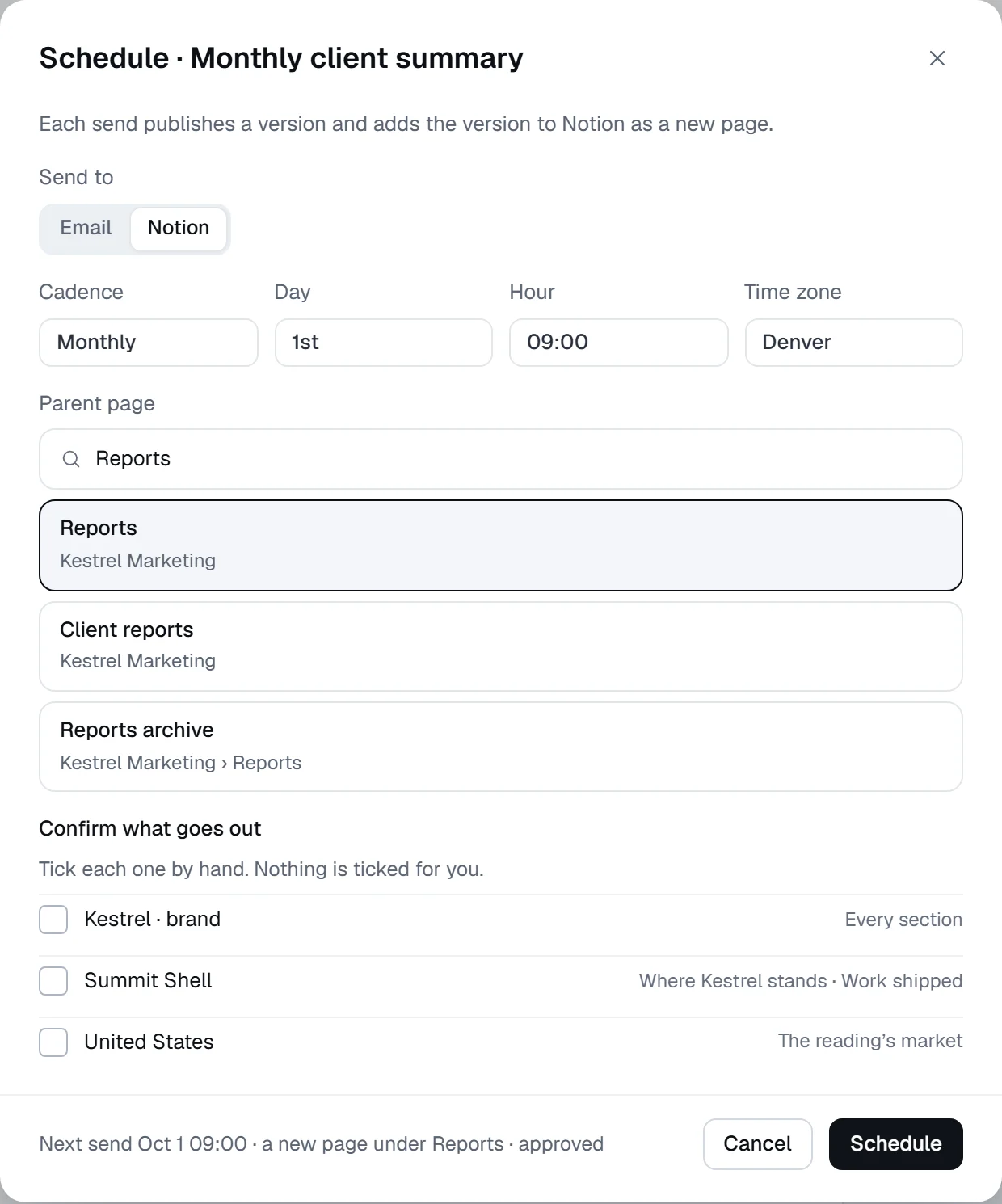
Approved drafts publish to WordPress, work files to Linear with its question attached, reports land in Notion and alerts post to Slack.
Your stack
Choose a connection by the job it does
Every connection reads data in, sends work out, lets you ask Praised from another app or lets you build your own.
Analytics
Send AI referral sessions and key events to AI traffic
- Google Analytics 4
- Microsoft Clarity
- Adobe AnalyticsComing



Reads only what the connection grants
Search
Send search queries and demand to Research and Questions
- Google Search Console
- Bing Webmaster Tools


Reads only what the connection grants
Access logs
Show which AI crawlers read each page, in Site health
- Cloudflare Logpush
- Fastly
- Vercel
- AkamaiComing




Reads only what the connection grants
Site and products
Give Shopping and Content your pages, catalogue, prices and stock
- WordPress plugin
- Shopify product feed
- WooCommerce
- Merchant Center




Reads only what the connection grants
Publishing
Receive reviewed drafts as pages, after approval
- WordPress
Nothing leaves without the approval its rule asks for
Trackers
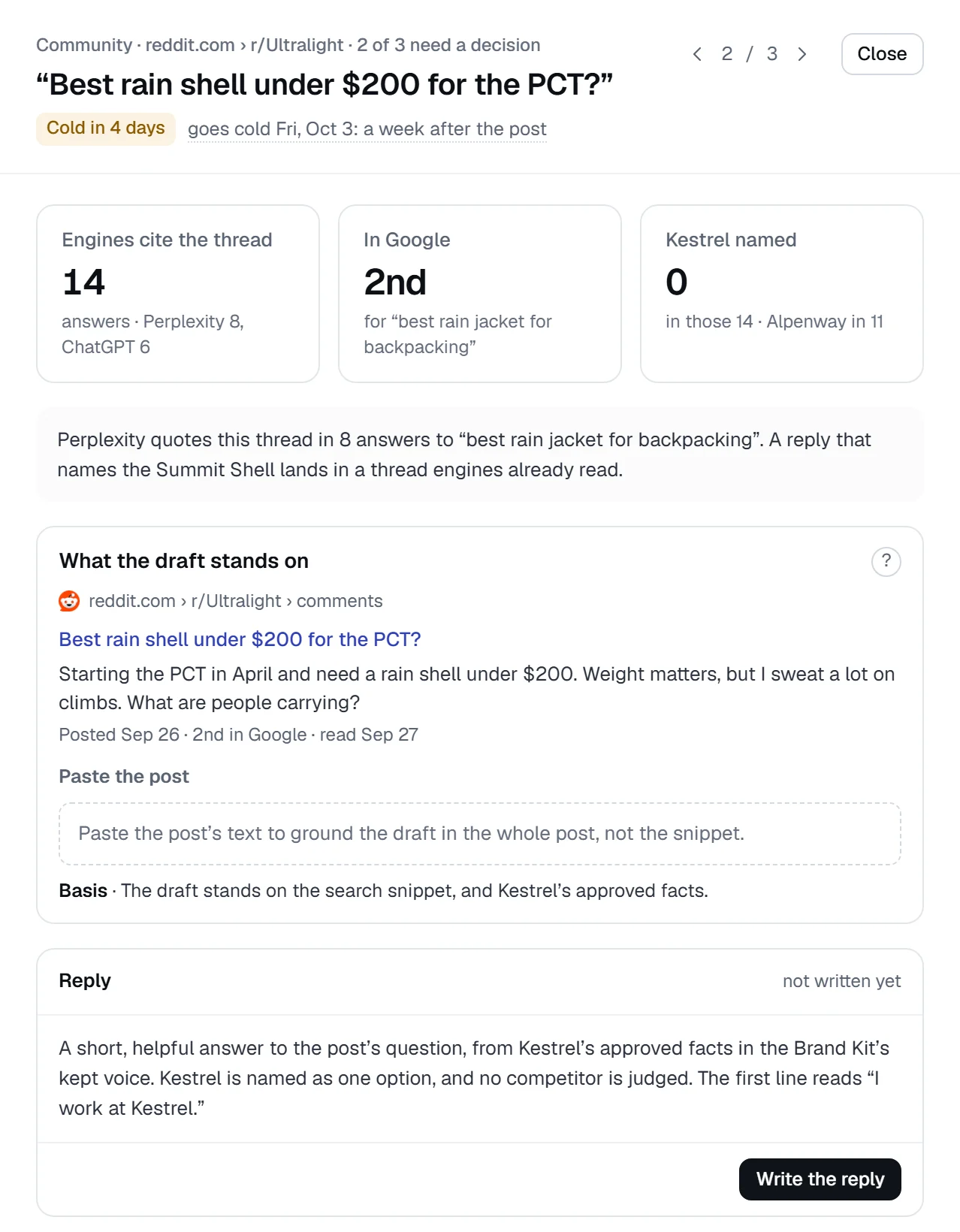
Receive next moves as work items, with the question attached
- Linear
- Jira
- Asana
- GitHub




Nothing leaves without the approval its rule asks for
Documents and messages
Receive scheduled reports as pages, and alerts in a channel
- Notion
- Google Docs
- Slack



Nothing leaves without the approval its rule asks for
Data
Receive answers and readings for your own analysis
- BigQueryEnterprise
- SnowflakeEnterprise
- Looker Studio
- CSV export


Nothing leaves without the approval its rule asks for
AI apps
Ask about your readings from the AI app you already use
- Claude.ai
- ChatGPT
- Claude Desktop
- Cursor
- Claude Code

Reads what the person connecting can read; drafts wait for approval
Build your own
Build on Praised with keys minted in Settings
- REST API
- MCP server
- Webhooks
A personal key, scoped to the workspace
33 connections. Open developer documentation
Two jobs, end to end.
Analytics into a landing-page decision, and a reviewed page into your team’s delivery tools.
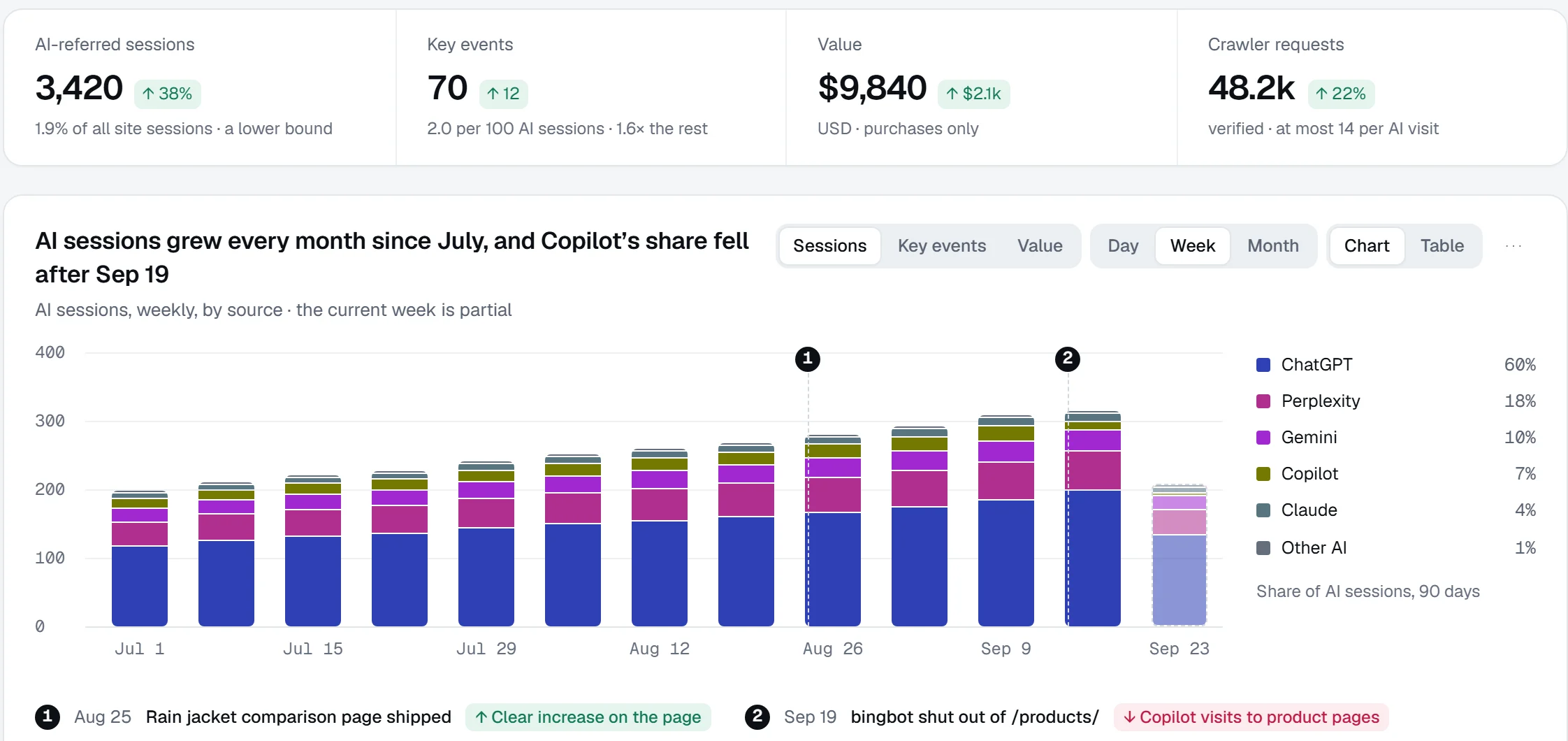
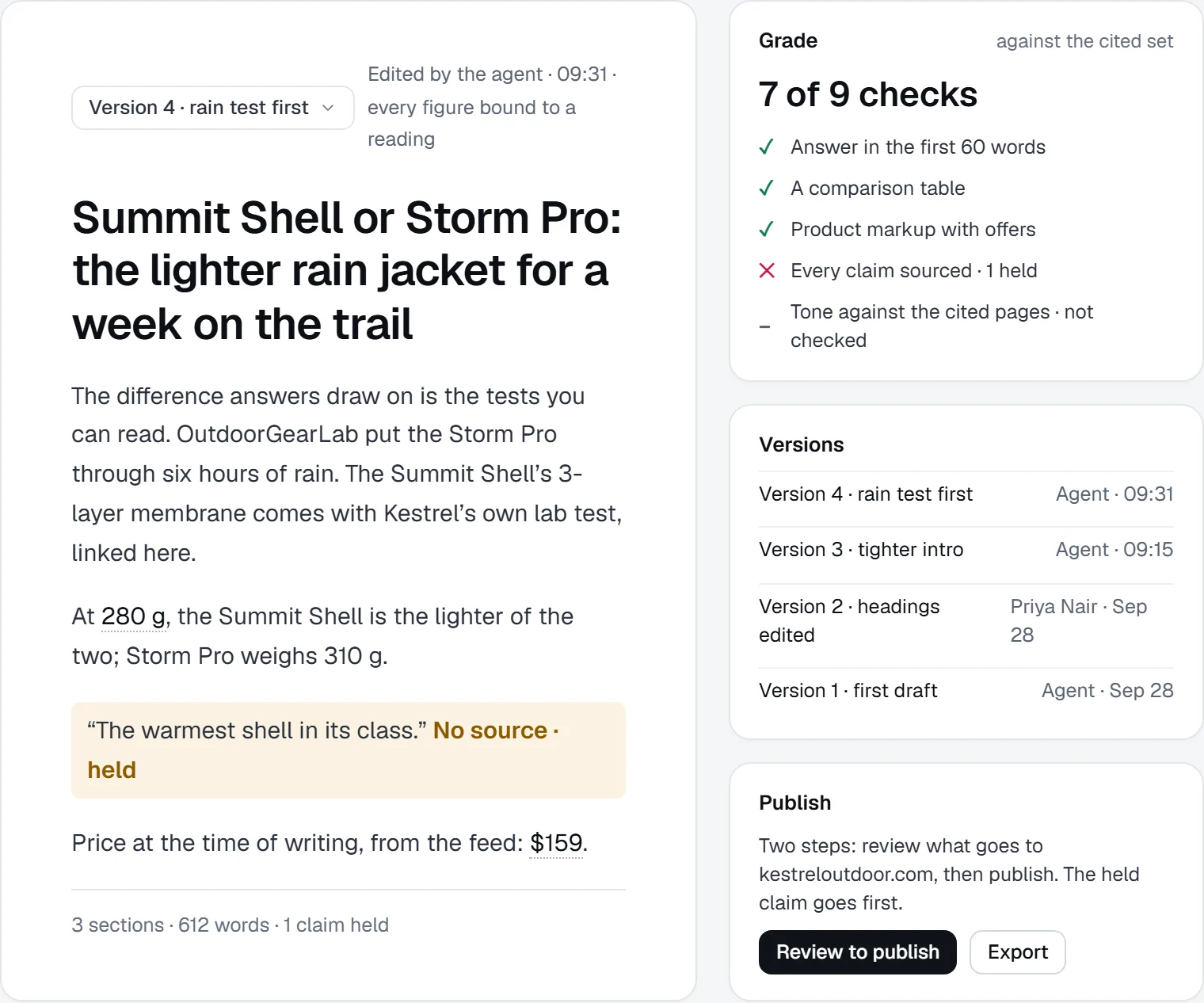
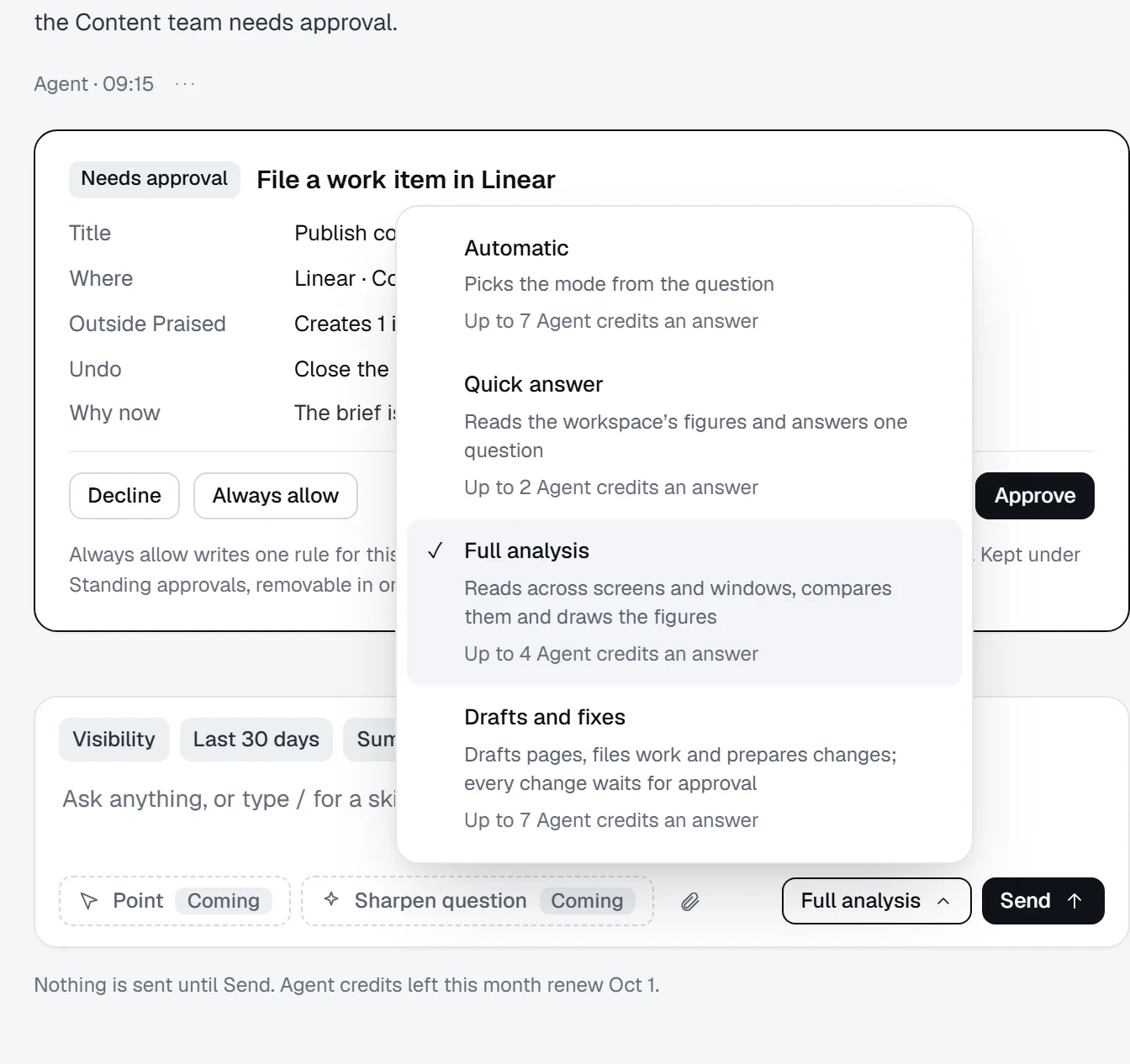
1Find the pages AI visitors land on, and the ones they leave without acting.
2Connect Google Analytics 4 for sessions and events, and turn the weakest landing page into a brief.
3Check the page before it publishes, and publish to your site behind a two-step approval.
4Hand the follow-up to the tool your team already uses, such as Linear, with an undo for every step.
Keep exploring.
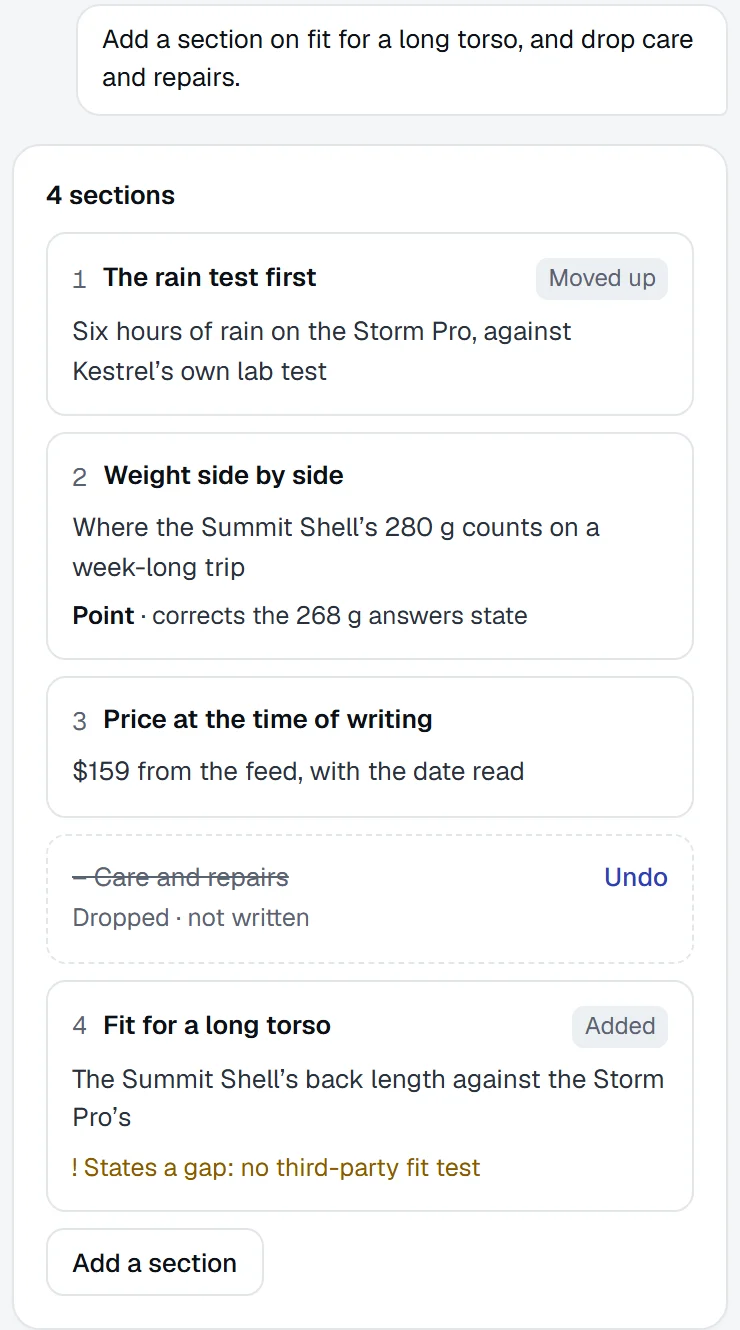
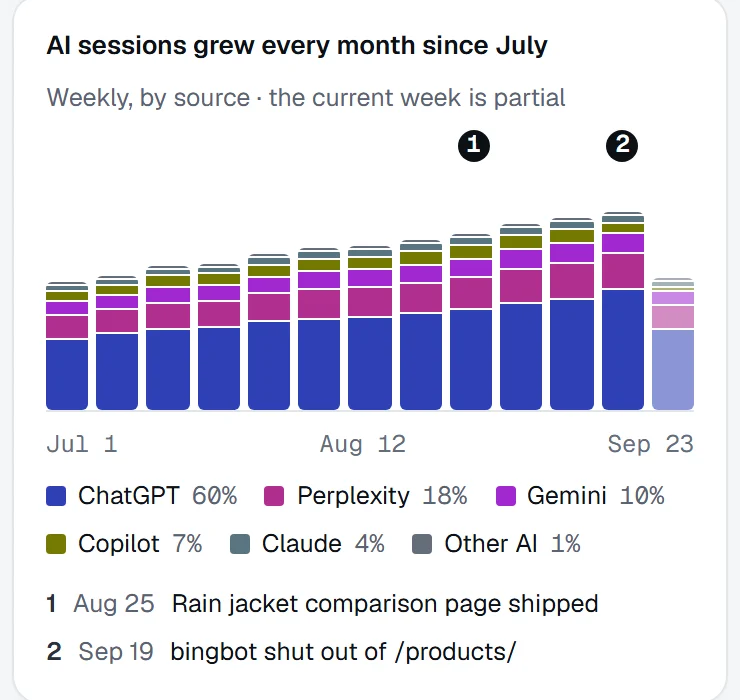
Questions, answered.
Something else on your mind? Contact us.
No. Analytics, logs and feeds only bring data in. CMS, tracker, document and chat connections receive work. Each entry in the directory states the job and the permission the connection needs.
Yes. Use the REST API to read your readings and results, the MCP server to ask Praised from an AI app, and webhooks to start your own processes. The developer documentation has the details.
It checks a public page’s readiness to be found, understood and cited. Ongoing tracking and work belong in the platform.
Connect the tools your work already runs on.
Bring analytics, logs and feeds in, send reviewed work out, and build the rest on the API.