Skip to content
Pricing
Get started free
HomeProductShopping

Does an assistant put your product in the basket?

Shopping is the check on the sales AI assistants already steer: which of your products they recommend when a shopper types a need, who they put first instead, and whether the store they send the shopper to can sell it.

The Shopping screen on the example catalogue: four figures in focus (recommended, weakest stage, cannot be bought, catalogue named), the drop-off bands beneath them out of focus.
Recommended, weakest stage, can’t be bought, catalogue named: where your range stands, at a glance.

Check your whole range the way shoppers now meet it

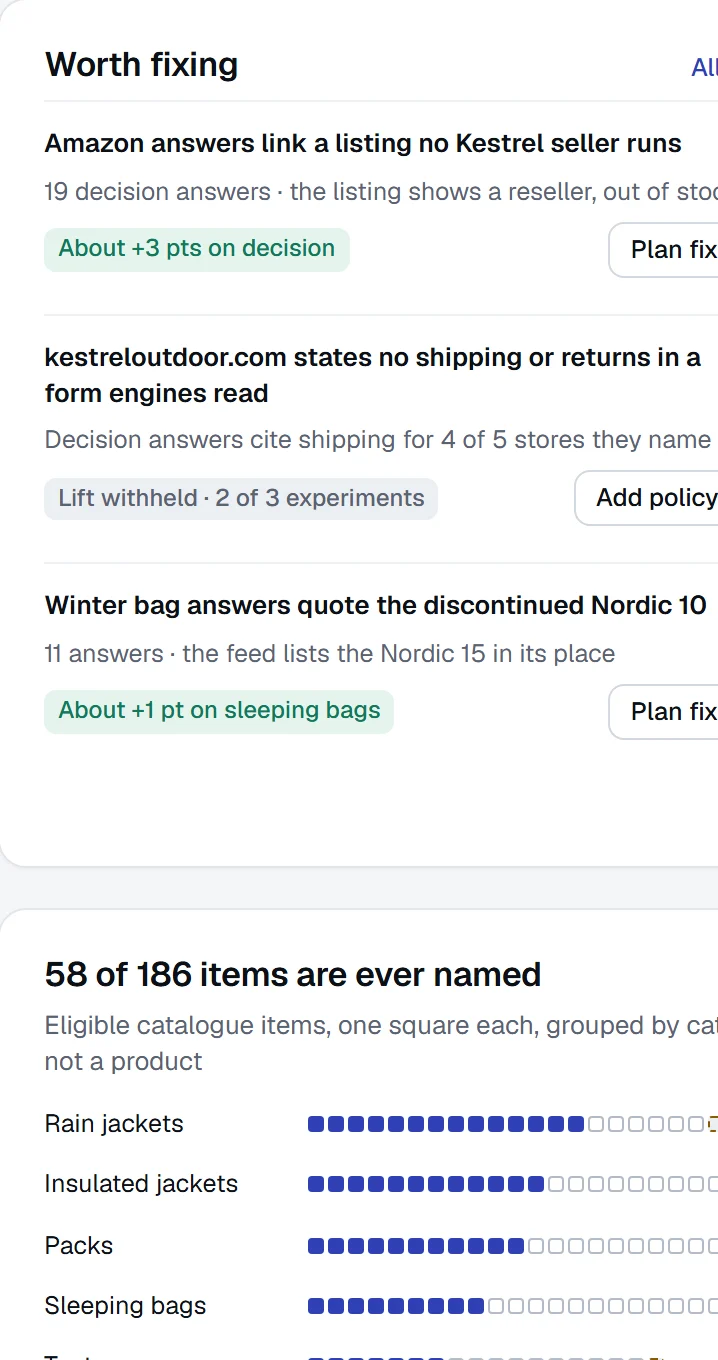
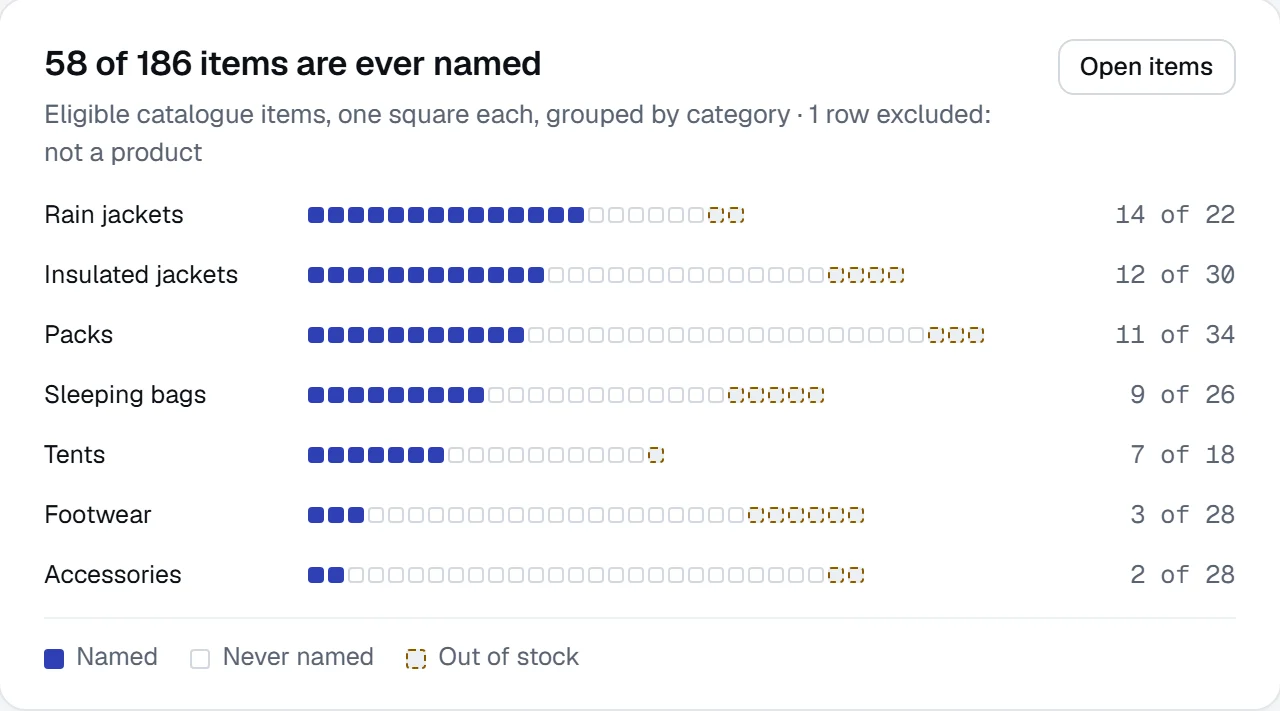
Shoppers ask for a need — “waterproof trail shoe, wide fit, under £120” — and the assistant answers with a short list. Shopping asks those needs for you and matches every product the answers name back to your catalogue. You find which of your products come up, and which never do, without writing a prompt per product. The example catalogue: 58 of 214 products named at least once. The 156 that never were are the list to work on.

The Shopping figures on the example catalogue: recommended 33.4% of 1,850 answers, weakest stage decision at 12.2%, cannot be bought 42 of 61, catalogue named 58 of 214.
Example dataRecommended in 33.4% of 1,850 answers, weakest at the decision stage, 42 answers sending the shopper where they can’t buy, 58 of 214 products named. Named and recommended are never one number.

Which products get named

Every product with how often answers name it and how often they recommend it. The two are counted apart, because a mention is not a sale.

What each assistant puts in the basket

For one need, the list each assistant builds, in order, with your product’s place and the store it linked. The answer itself sits underneath.

Where shoppers stop hearing your name

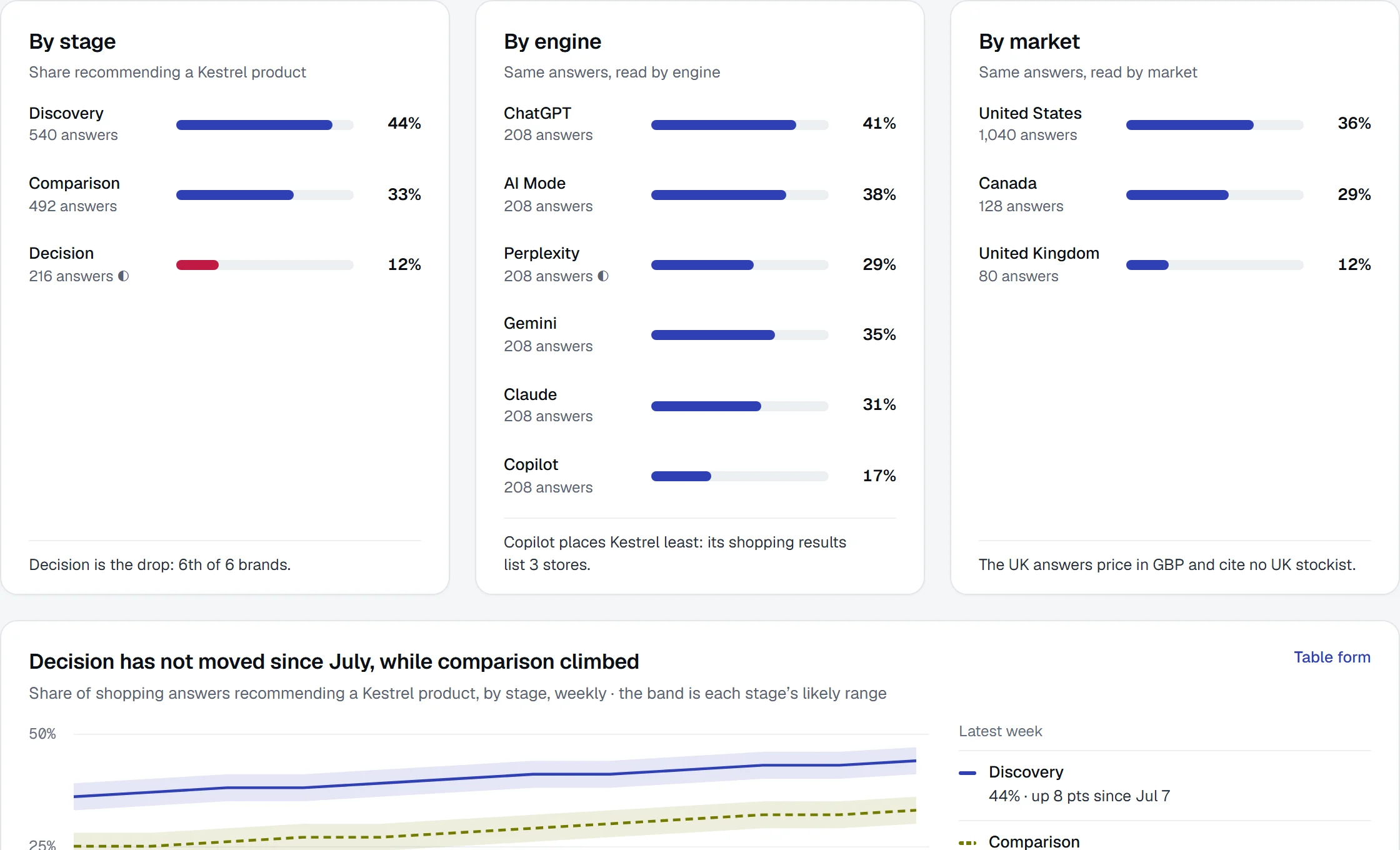
Discovery, comparison and decision, each as a rate. The example catalogue reads 44.1% at discovery and 12.2% at decision: the name is heard early and lost right before the purchase.

Win back the sales the answer sends to other stores

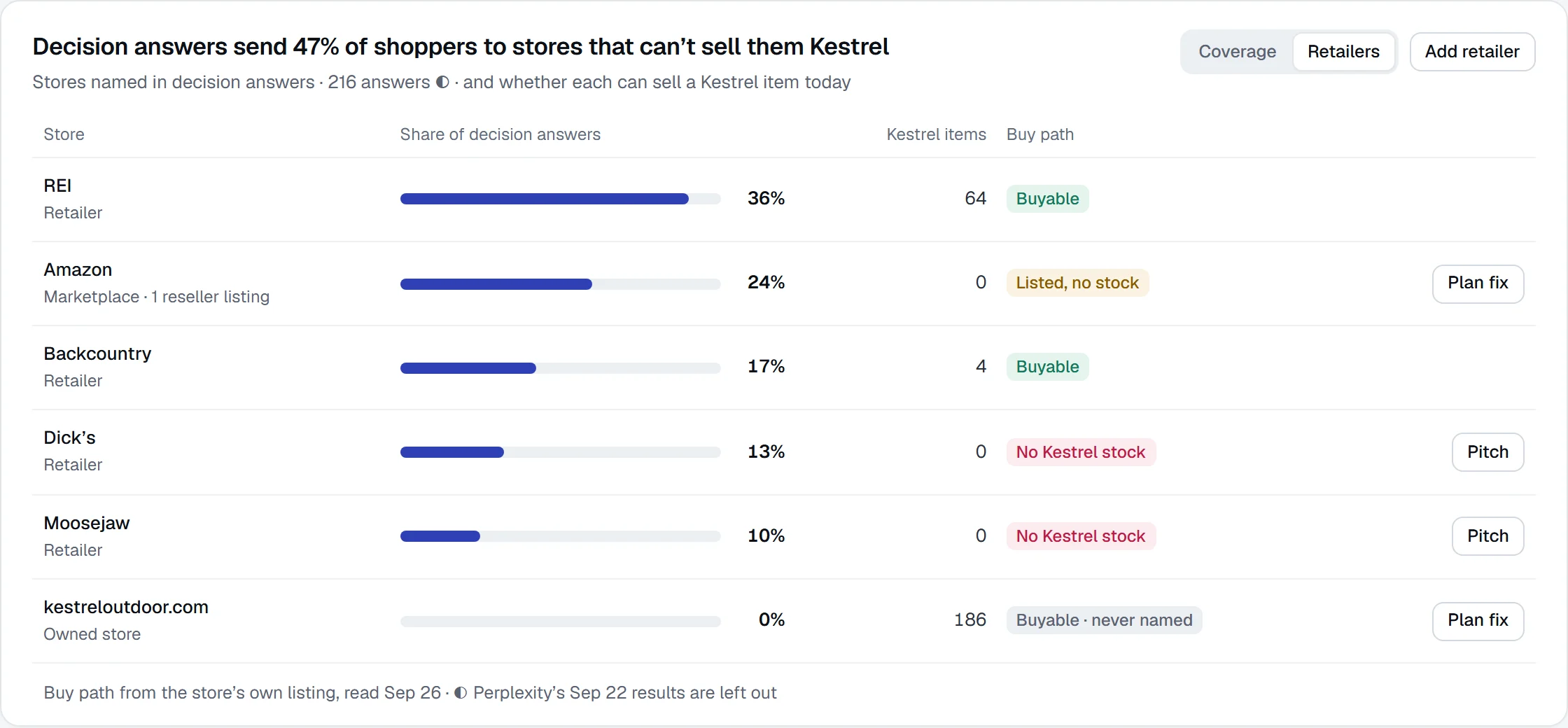
An assistant can recommend your product and link a shop that can’t sell it. Shopping shows, for every answer that named you, which store got the click and whether the shopper could buy there. In the example workspace, 42 of 61 answers that linked a store linked one that cannot sell the product it named: each one a sale your product earned and nobody closed.

What the screen showsWhy it mattersWhat it won’t claim
The store each answer linkedWho gets the click when an assistant recommends you, your own shop includedAnything about stores no answer linked
Answers sent to each storeWhere the recommendations you earned actually goA share of sales: the revenue view lives on AI traffic
Which of your products each store listsWhether a retailer can sell what the answer promisedA listing with no feed: that reads couldn’t check, never zero
Can’t buyAnswers that sent the shopper somewhere with no stock of the productStock guessed from an old feed: the last read date is on the row

A broken feed never reads as zero. Anything read from a feed turns into couldn’t check, with the date it was last read.

Set up from the feed you already keep

Shopping reads the product feed you already maintain for Google Shopping, or a Shopify shop’s public product list. There is no app to install, no permission to grant and no prompt to write per product.

Every question an ecommerce lead asks, on one screen

Seven views, one question each. Every figure opens the answers it was counted from.

The questionWhat you getView
How much of our range is visible at all?Products ever named, recommended this time, can’t buy, stores namedOverview
For this need, what did each assistant recommend?The basket in order per assistant, your place, the store linked, the answer itselfRecommendations
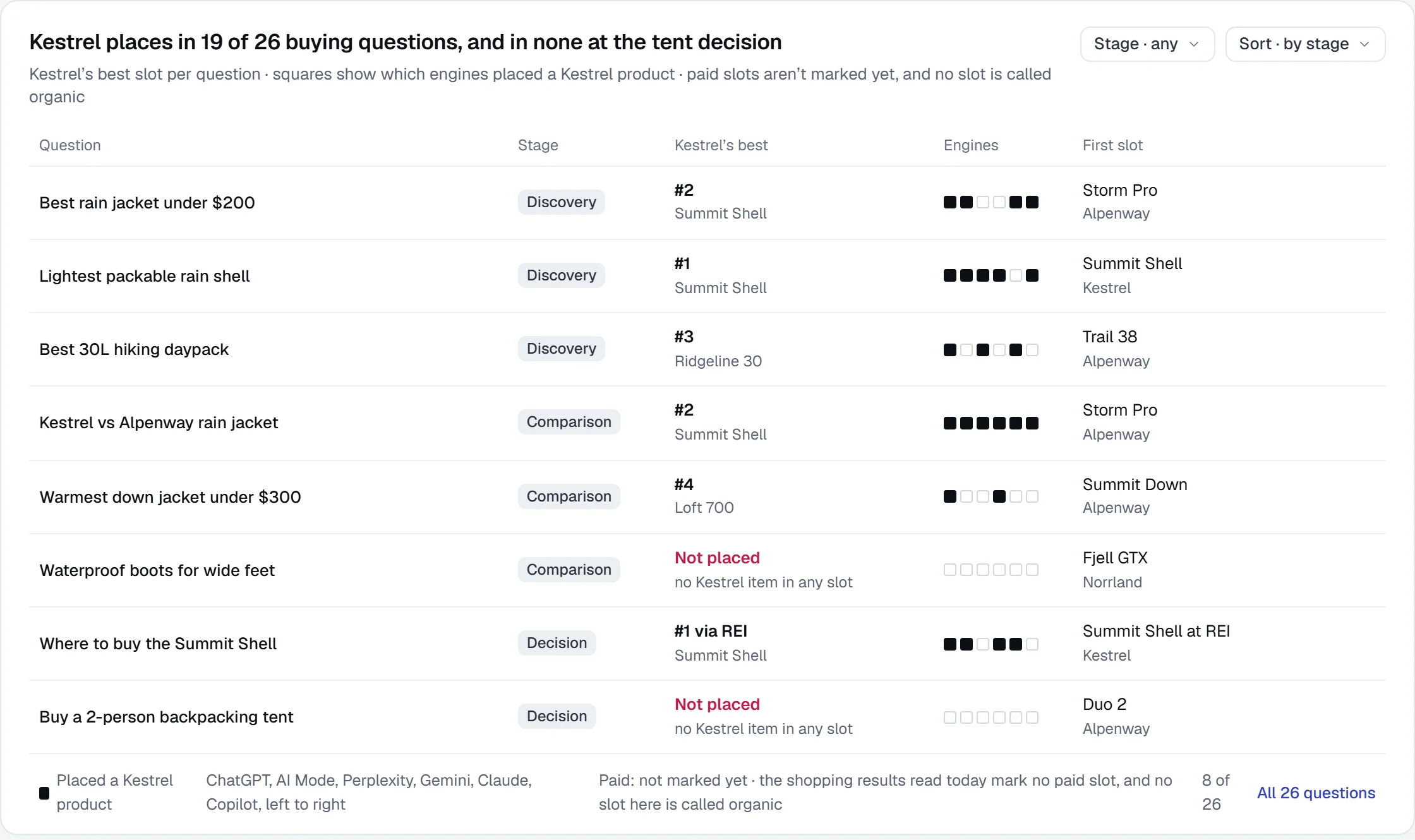
Where in the buying journey do we disappear?Discovery, comparison and decision rates, and the competitors at each stageJourney
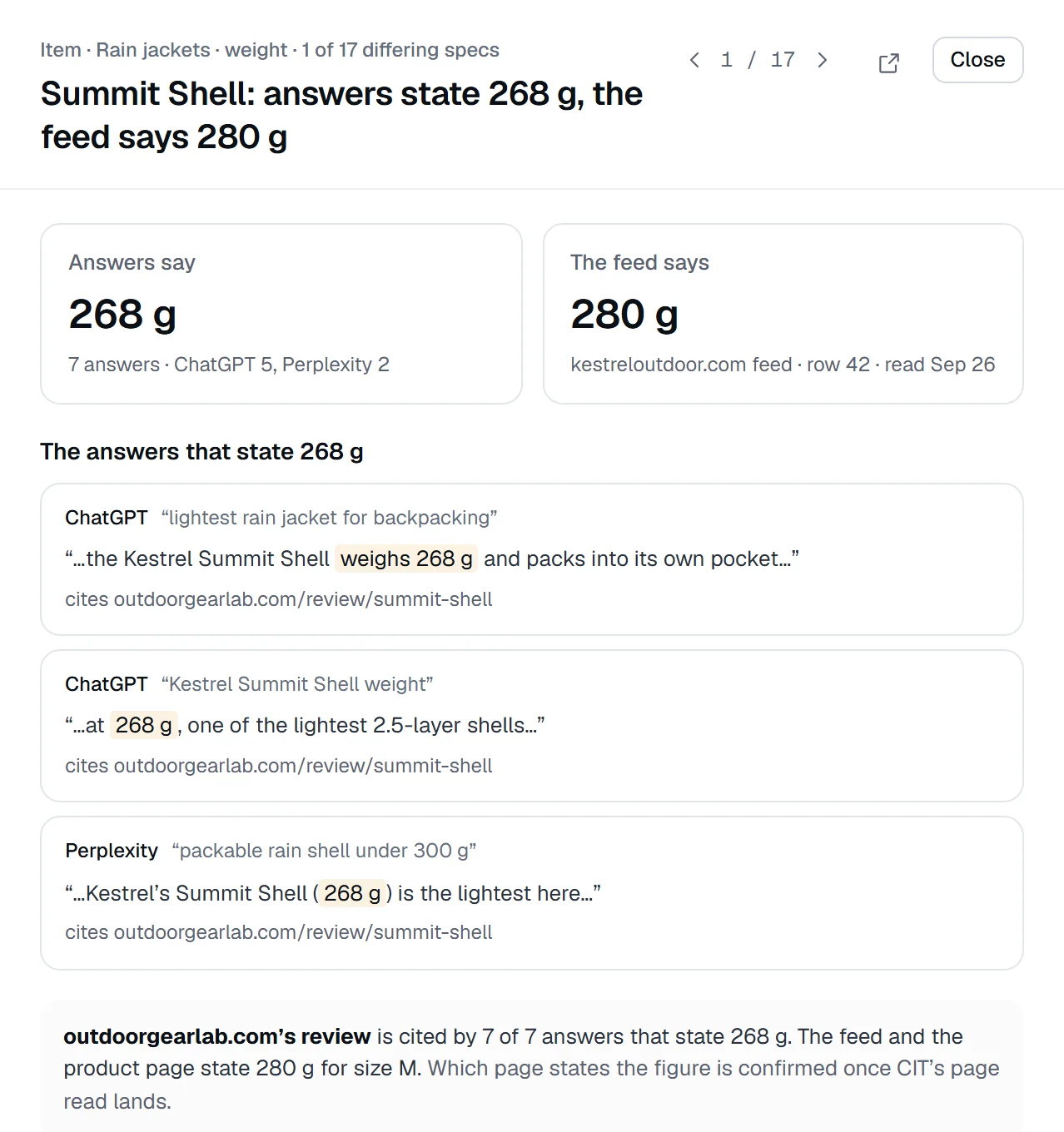
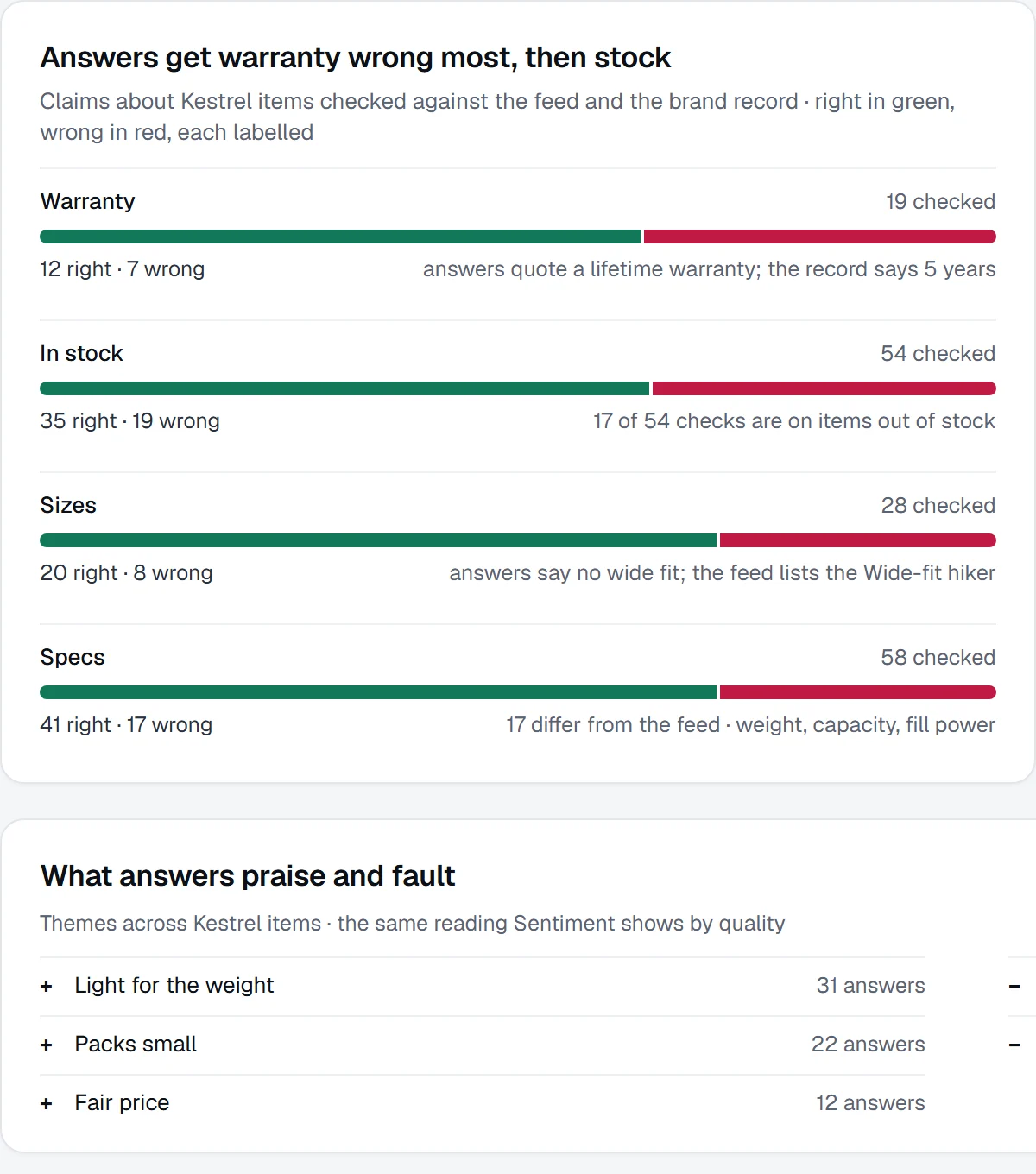
What do the answers say about our products?Size, fit, price and material as stated, against your feedAttributes
Who got the click, and could the shopper buy?Each store, the answers sent there, the products it lists, can’t buyMerchants
Which products are named, and which never?One row per product, named and recommended kept apartItems
Which shopper needs are we losing?The needs asked, with the competitors named in eachPrompts

What it does not do

Shopping measures what assistants say about your catalogue. Here is what it doesn’t do.

It does notWhat it does instead
Connect to Shopify through OAuth or an appReads the public product list a shop already publishes, or any feed URL, with no permission scope
Chart a store’s share of your sales over timeShows which store each answer linked; the revenue view lives on AI traffic
Treat one shopping answer as the rankingOne measurement account is one shopper; the question is asked again, and a personalised answer is read as a sample
Report a broken feed as zeroEvery feed-read figure turns into couldn’t check, with the date of the last read
Promise placement in a shopping answerShows where your range stands, who is recommended instead, and whether a change moved it beyond noise

Fair questions

Do I need Shopify?
No. Any feed URL works, the same file you maintain for Google Shopping. A Shopify shop domain is a shortcut: Praised reads the shop’s public product list. There is no OAuth and no app.
Do I have to write a prompt for every product?
No. Questions are asked at the level of a shopper’s need, and whatever products the answers name are matched back to your catalogue. Coverage is the result of that, not something you configure.
How do you know a product was recommended, and not only mentioned?
They are kept apart. Named is a match against your products. Recommended is a judge’s reading of what the answer says, checked against hand-labelled answers. They are never combined into one number.
What happens when my feed breaks?
Every figure that reads the feed — which stores list you, what is in stock, whether a price is current — turns into couldn’t check, never zero, and carries the date of the last successful read.
Which plans include Shopping?
Scale and above, for up to 1,000 products on Scale and Agency. Reading the catalogue costs no credits; shopping measurements are priced before they start. Enterprise removes the cap.

Keep going

Find which of your products the assistants recommend.

Check one product page free, or connect your catalogue and measure the whole range.